Runs on what you have
Seven devices. Seven restaurants. One product.
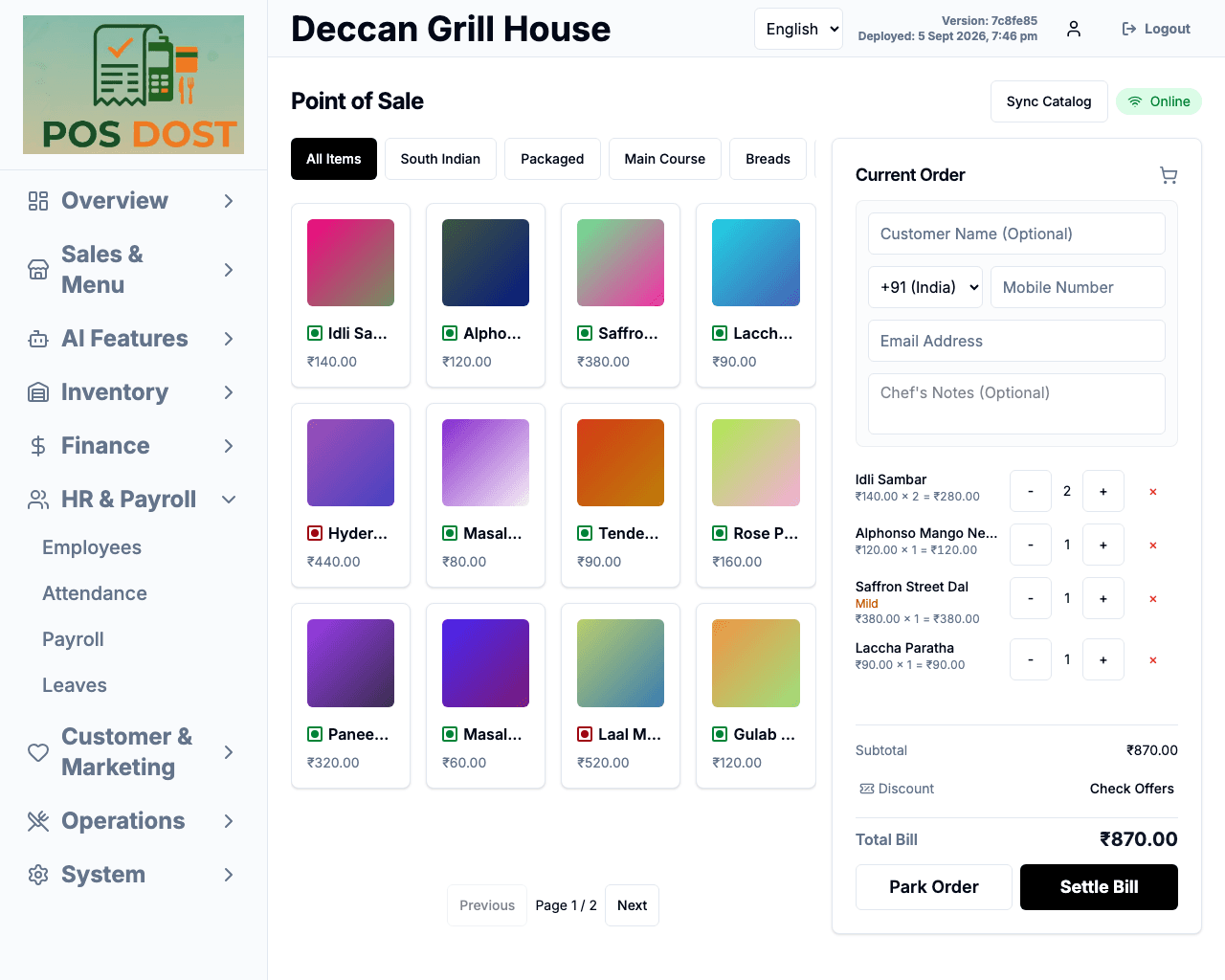
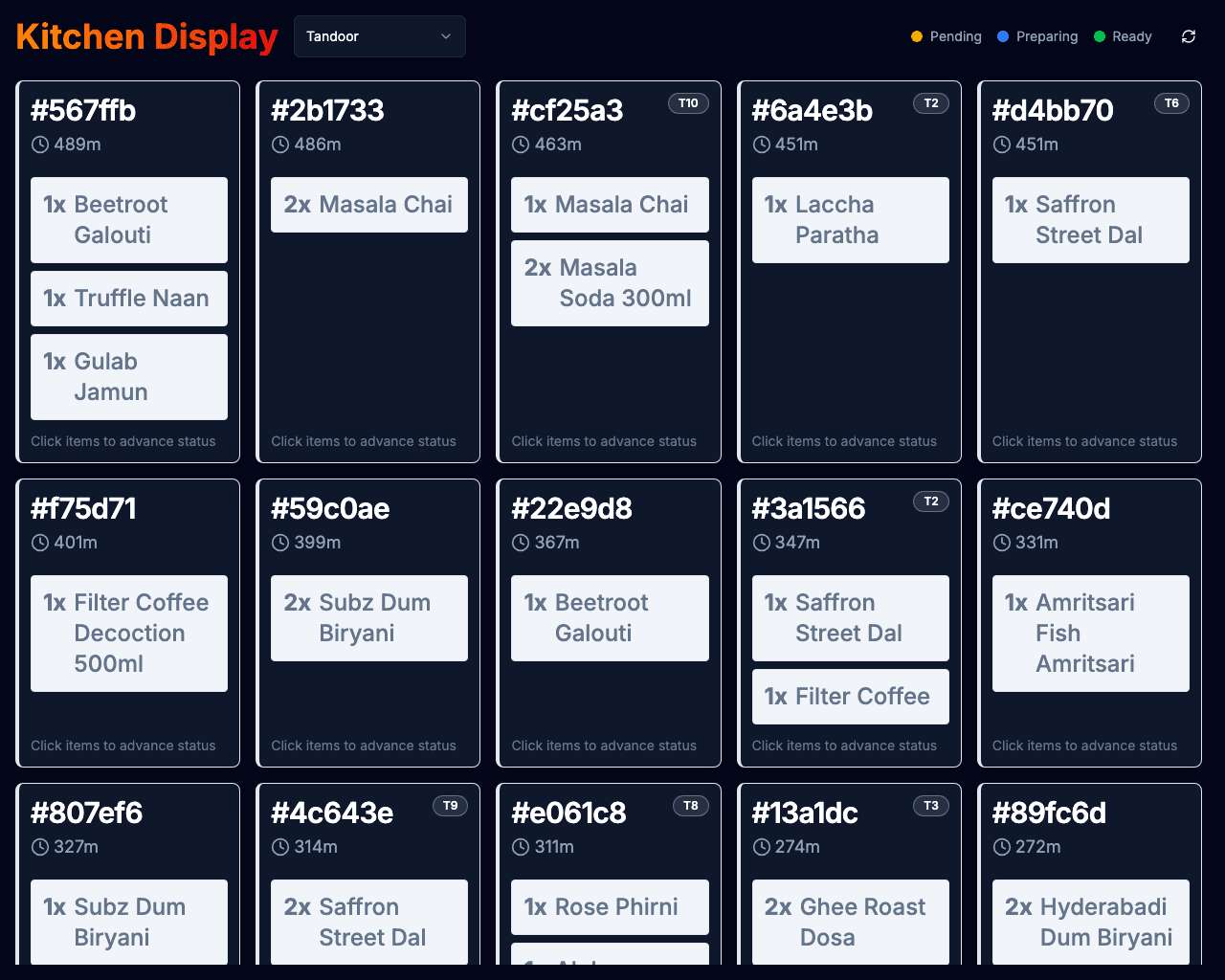
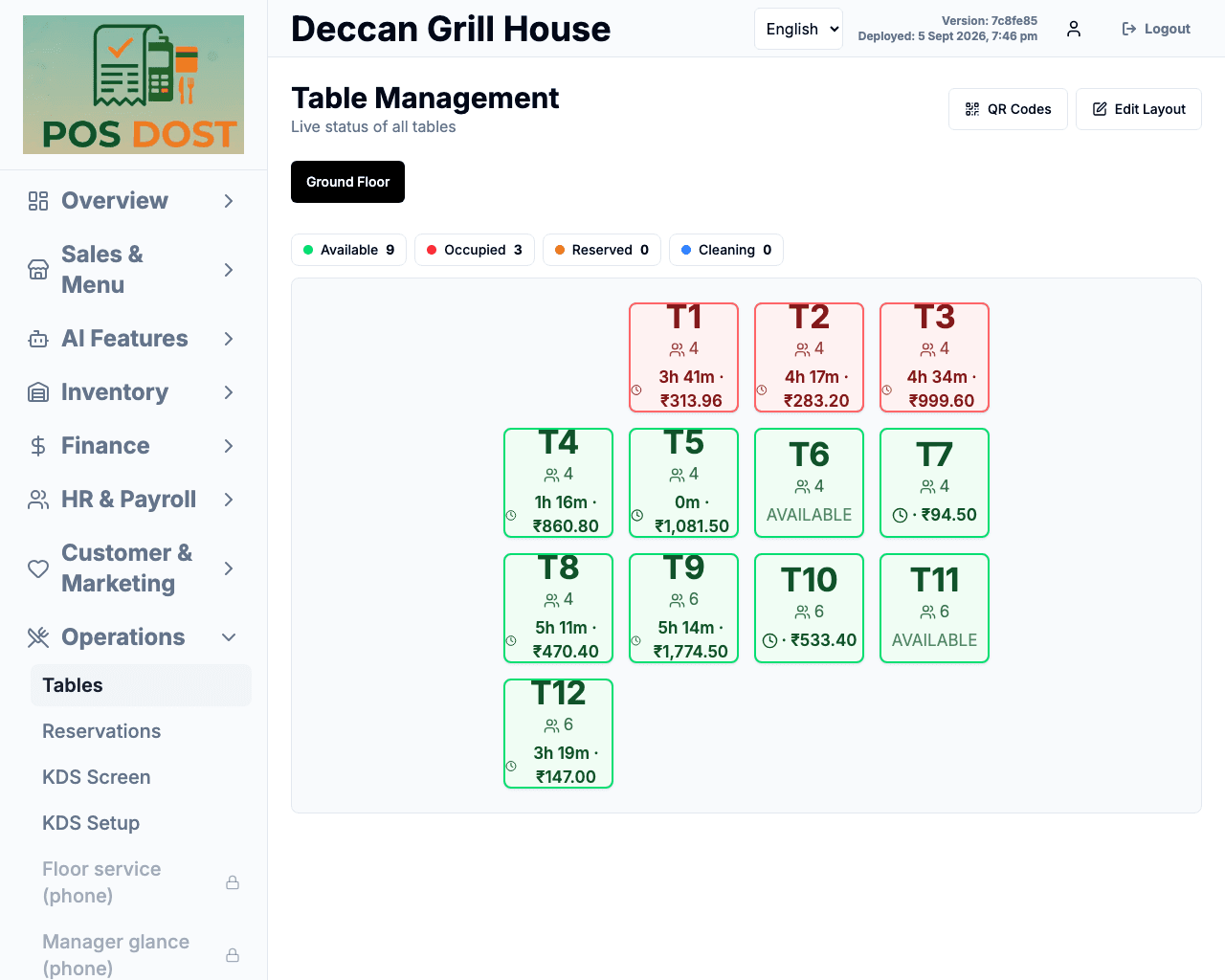
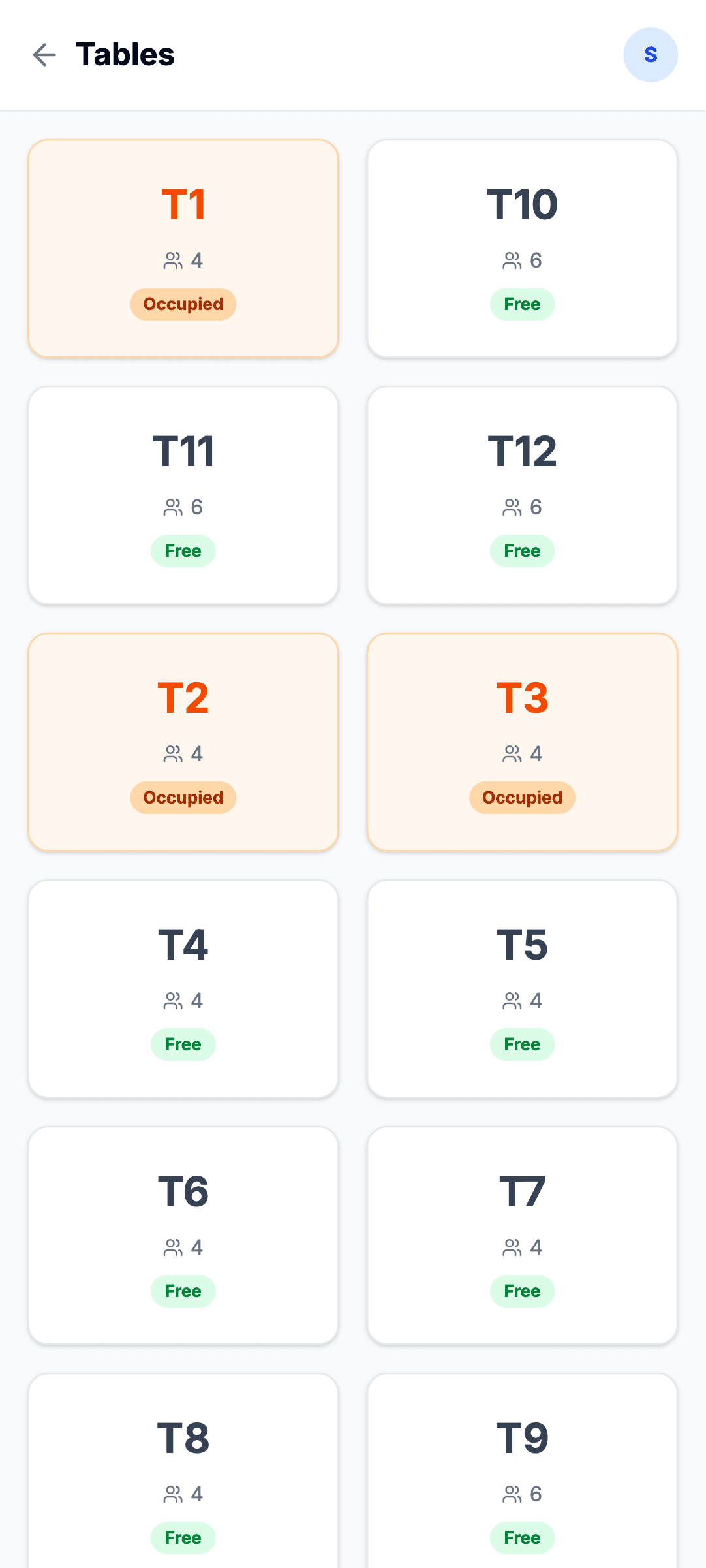
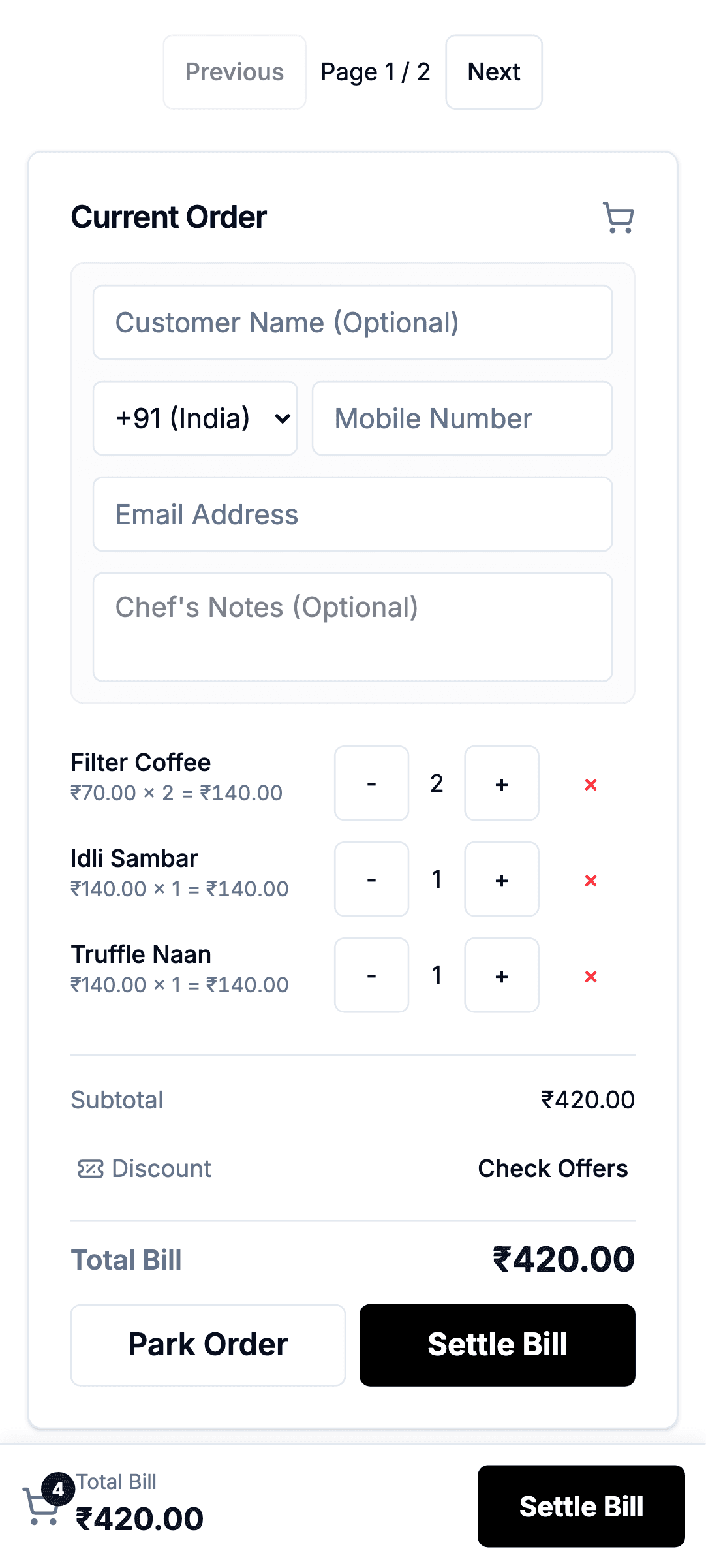
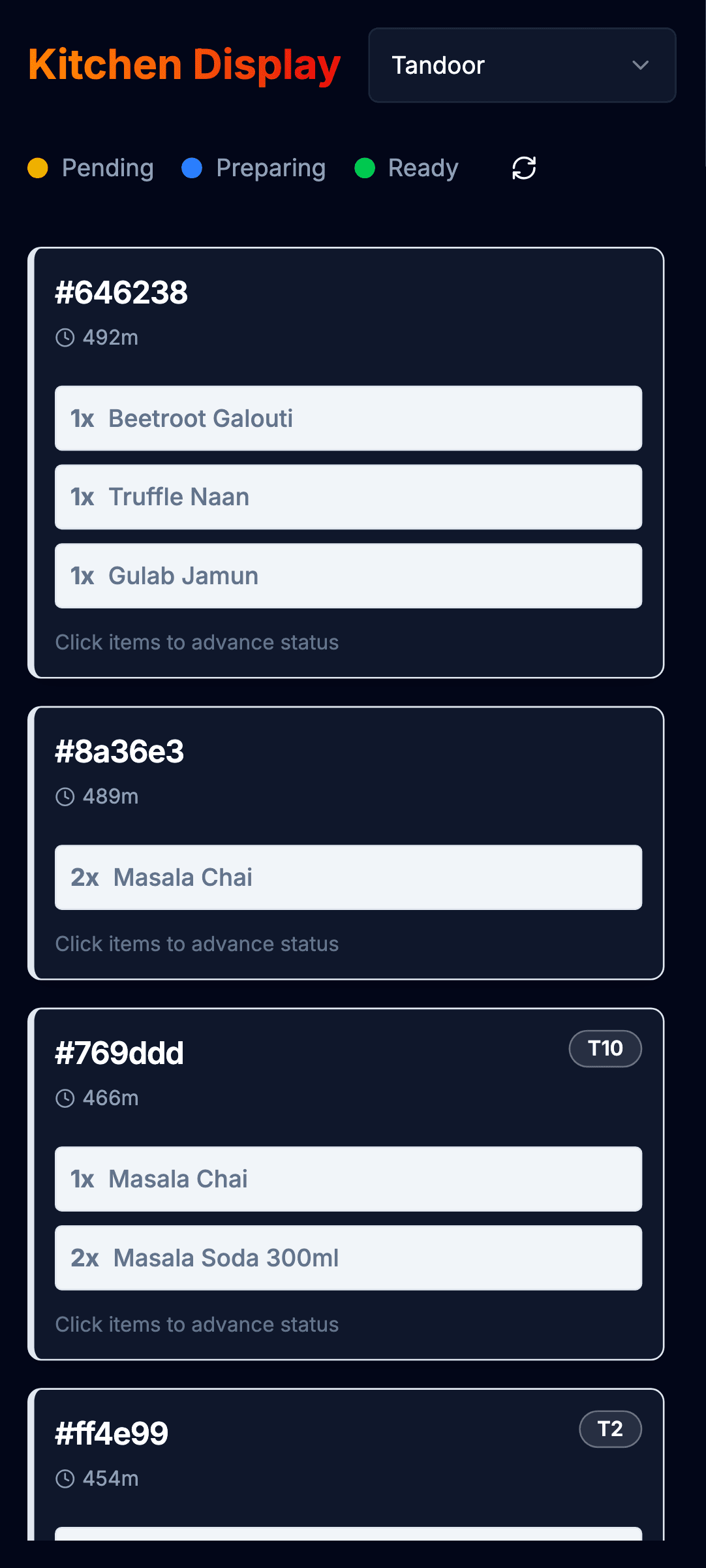
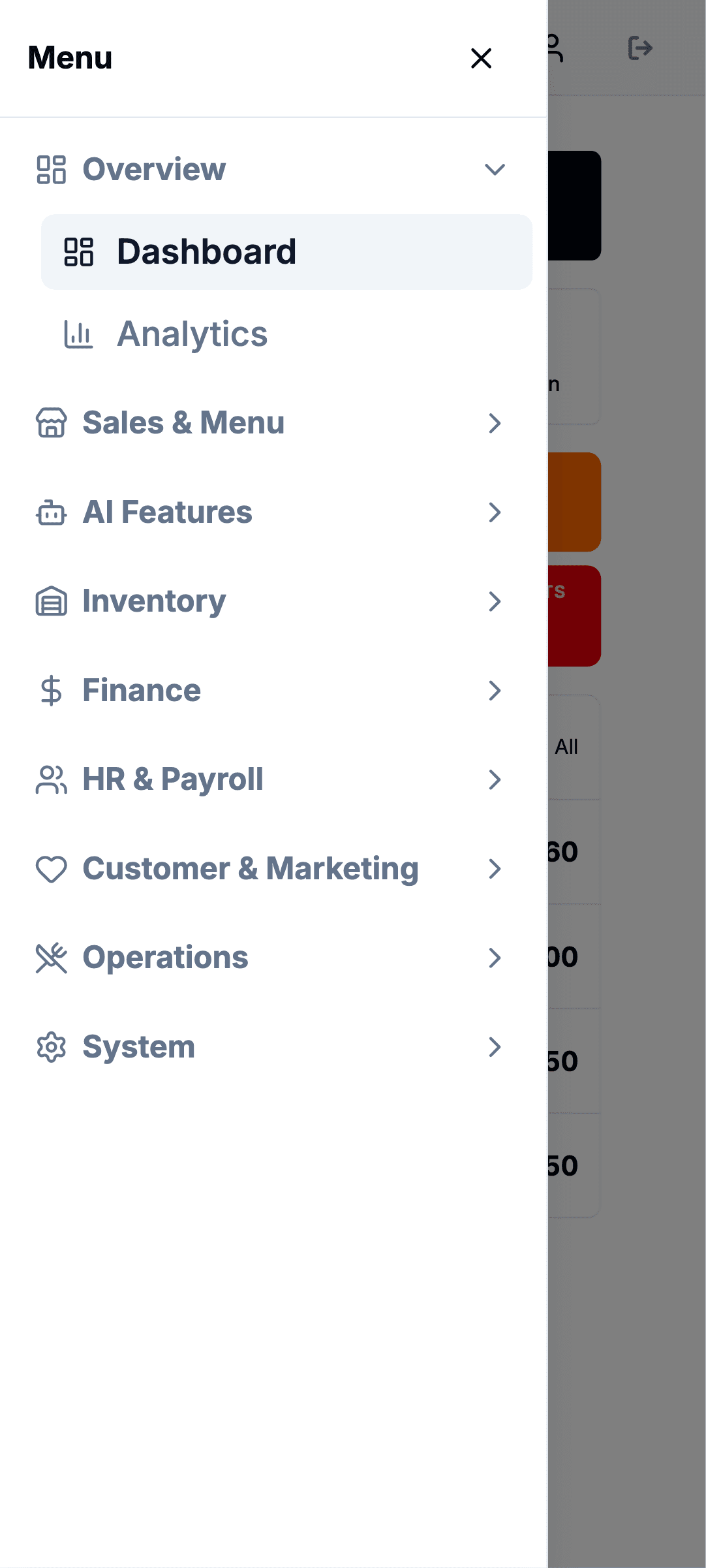
Every screen below was taken from the running product at that device's real viewport and pixel ratio — not a design file, and not a browser window narrowed until it looked right.
Each device is signed in as a different restaurant, so the totals, order numbers and invoice series all differ. They aren't one screenshot resized seven times.
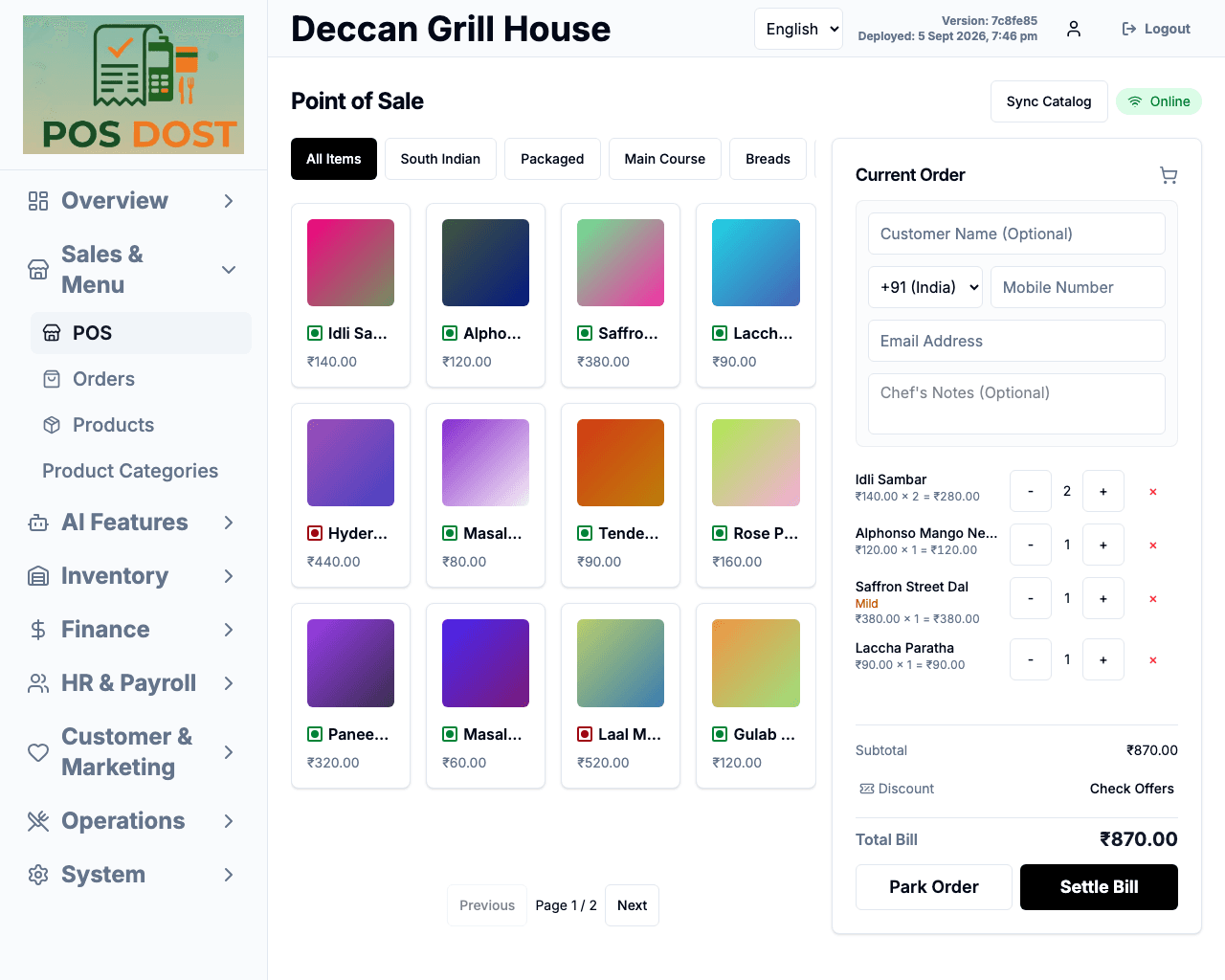
POS terminal
The shape almost nobody designs for and every counter has. Taking money, watching the pass, closing the day.
Signed in asDeccan Grill House
Rugged handheld
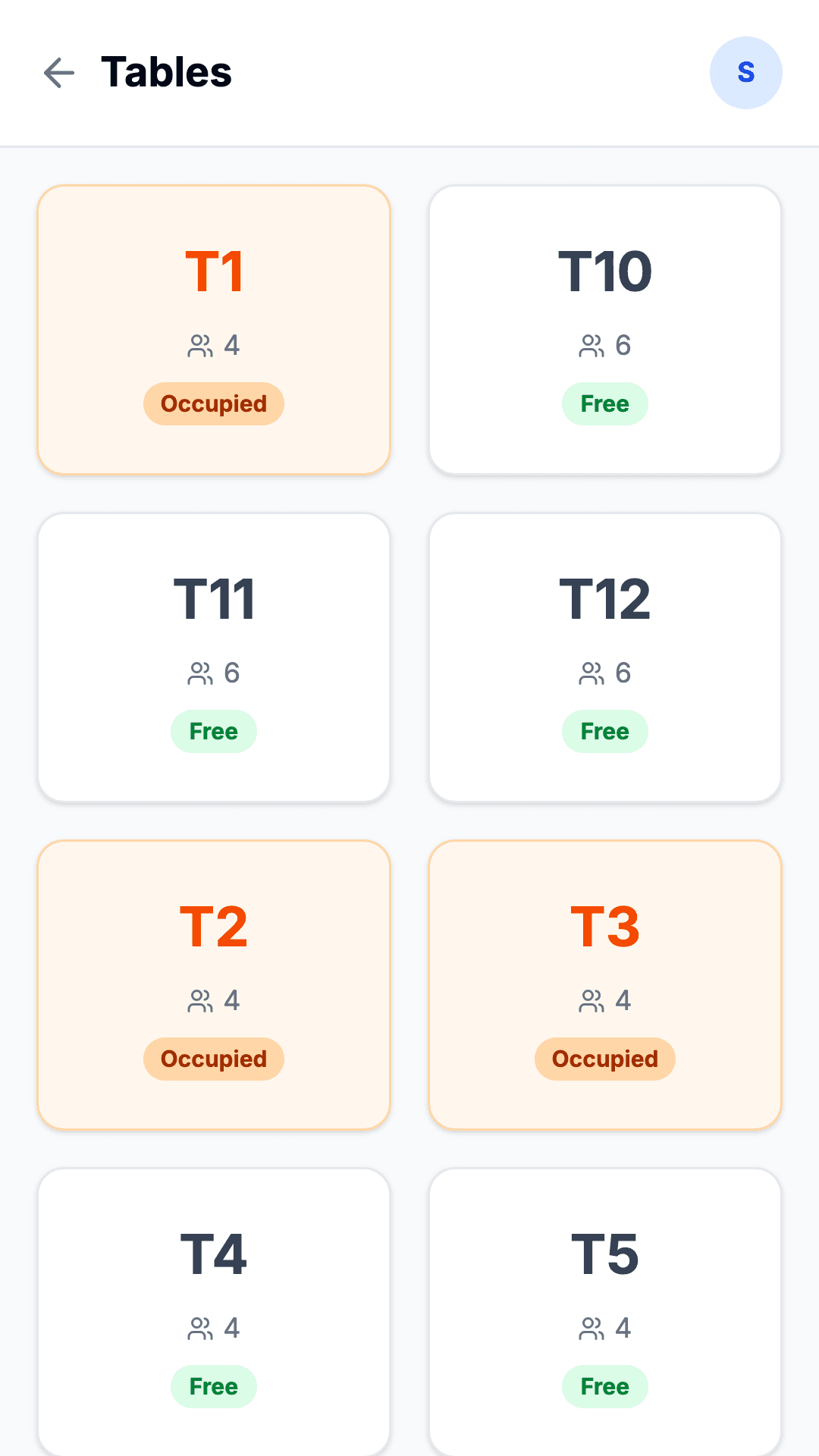
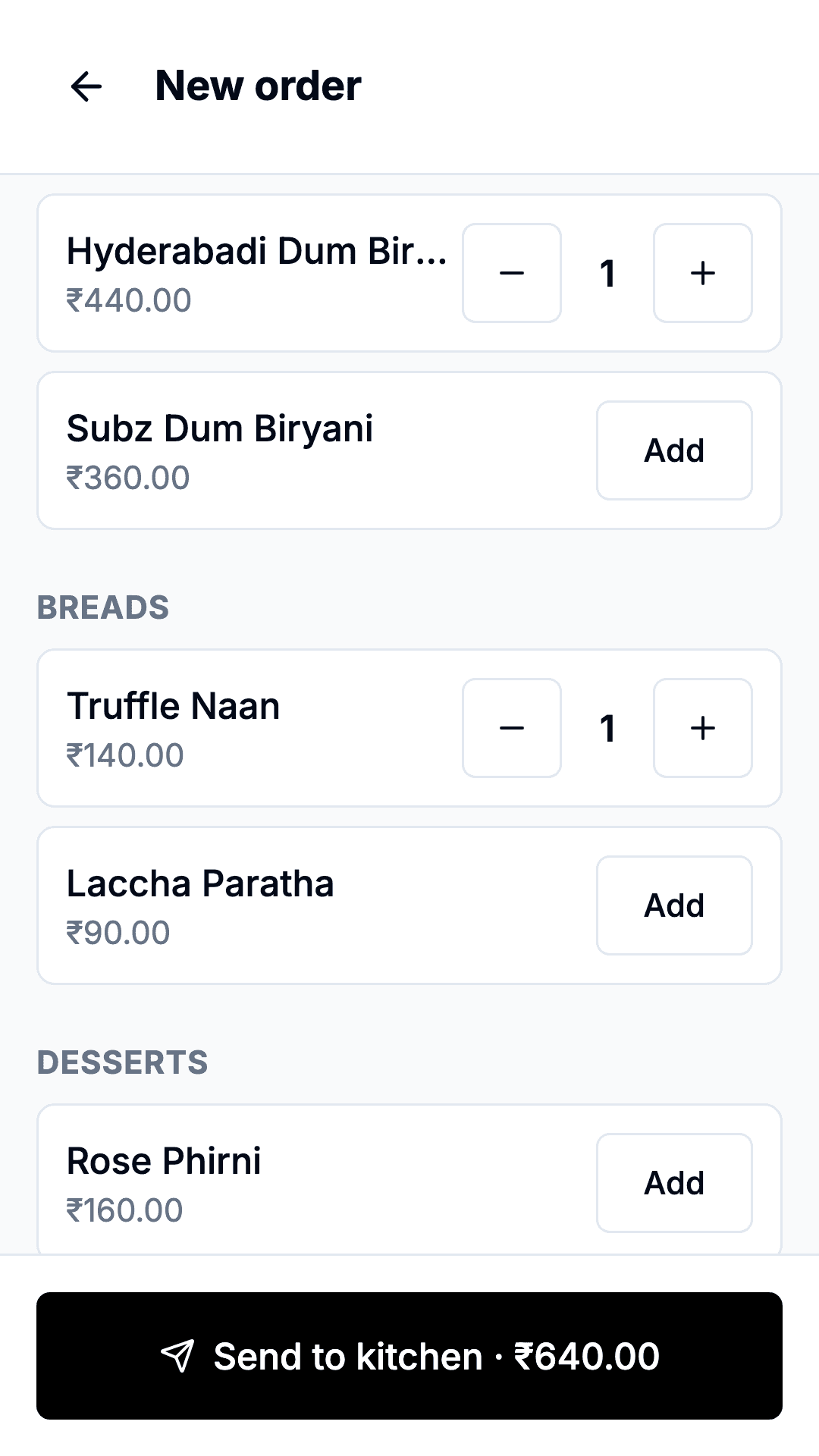
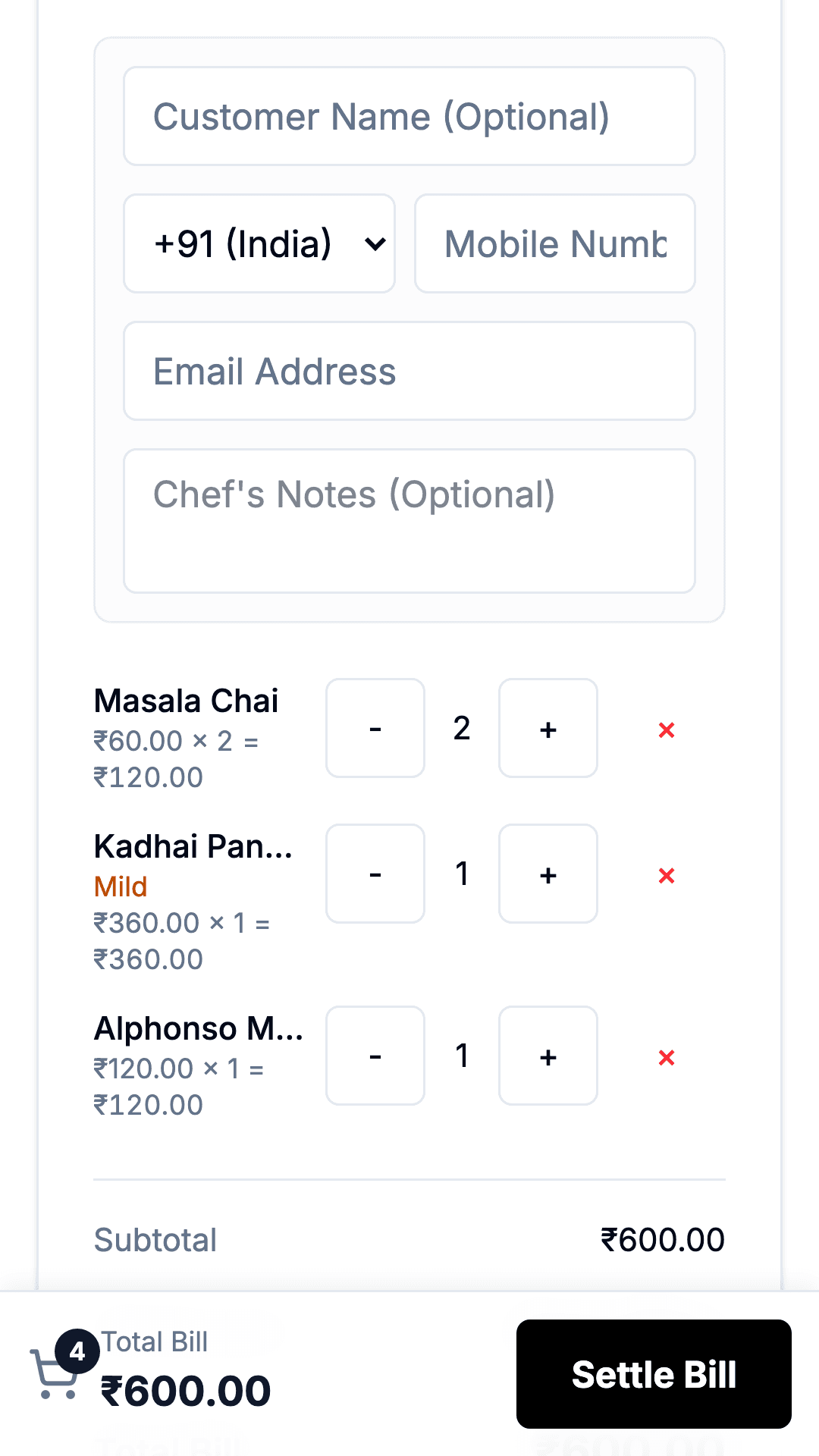
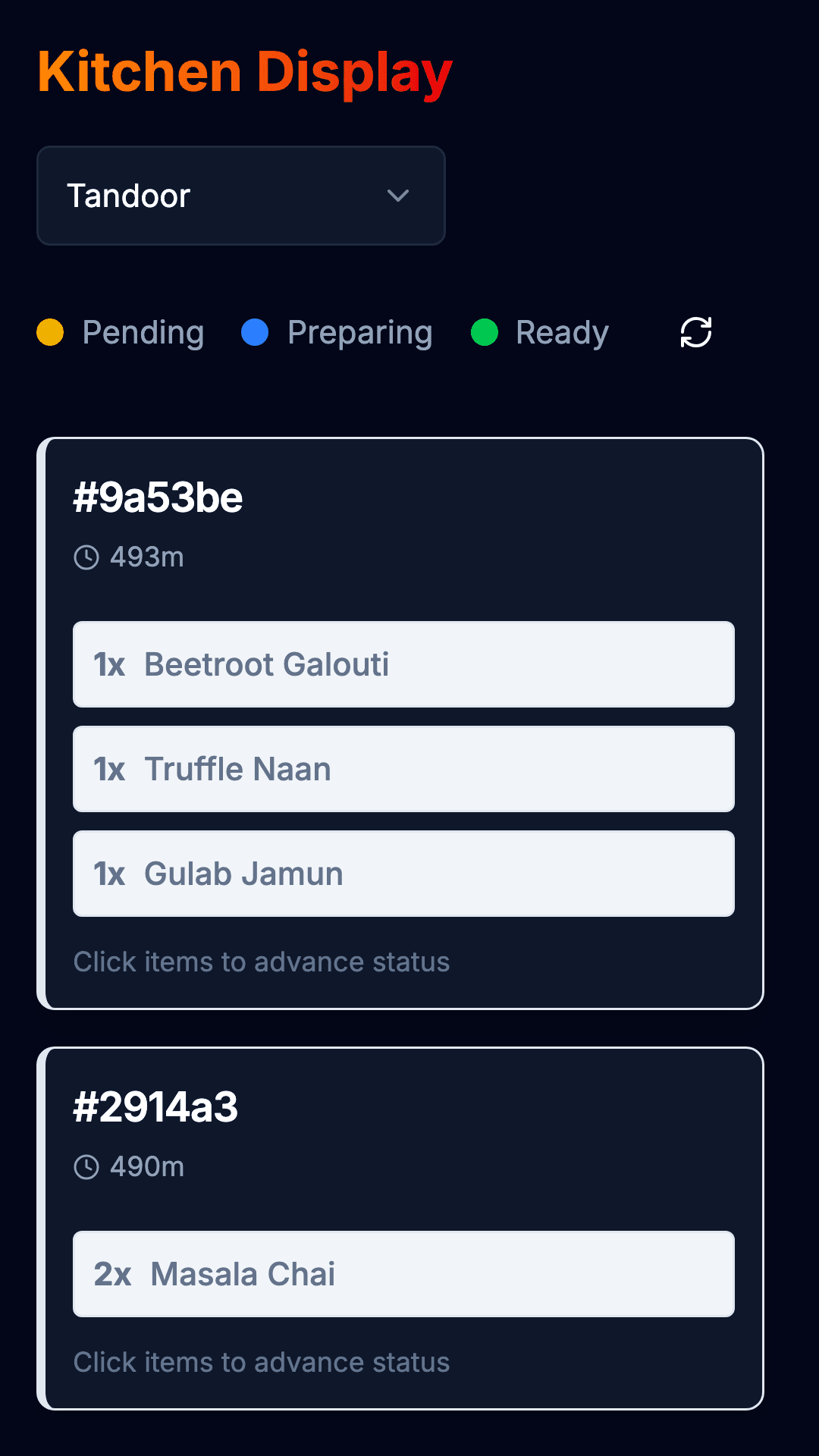
Not "mobile" — one hand, one thumb, standing between two tables. Tap the table, take the order, send it.
Signed in asChettinad Fire Kitchen
iPad
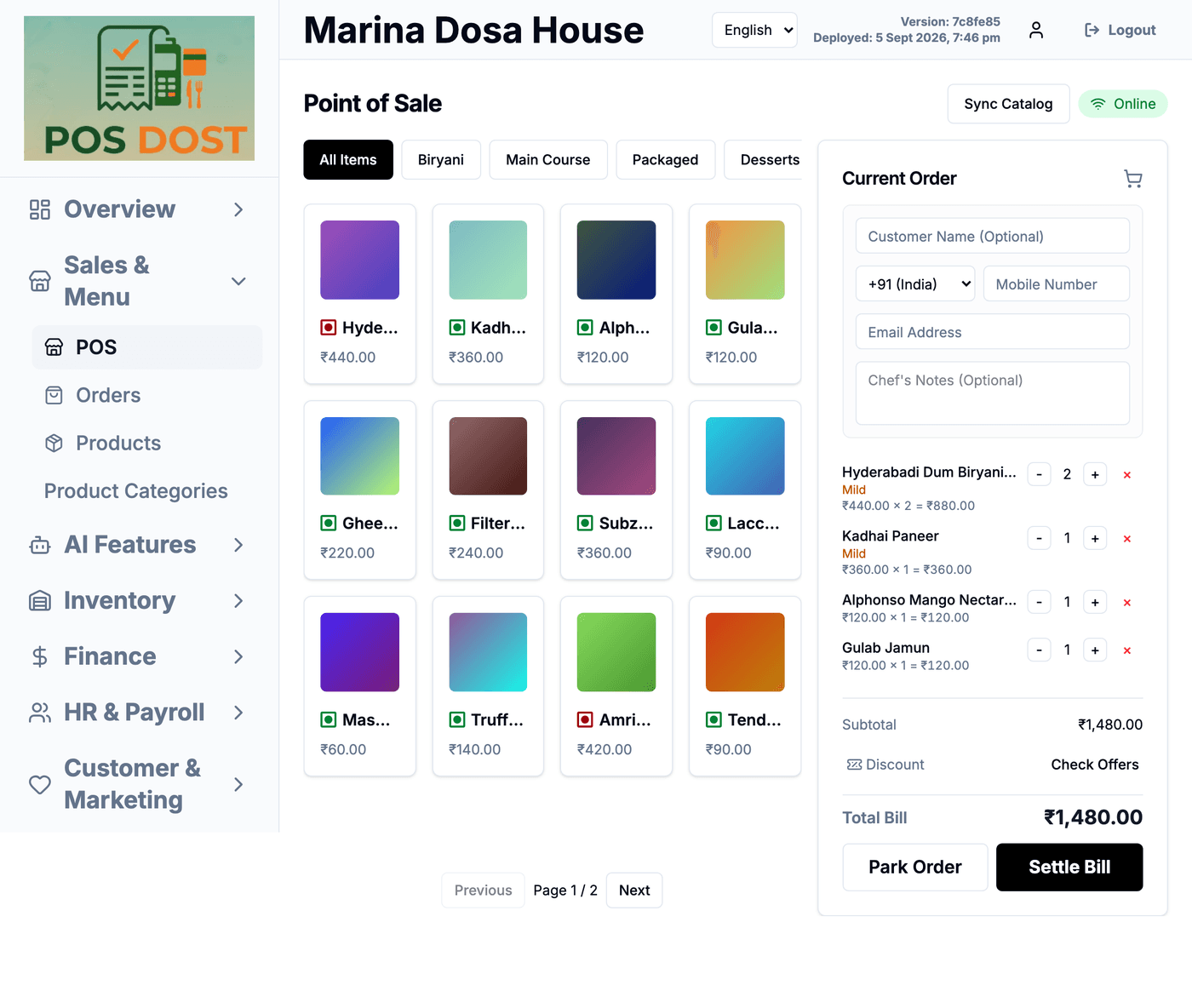
Safari reports itself as desktop-class, so an iPad gets the desktop layout at tablet size. That's exactly the case that breaks — so it's the one we shoot.
Signed in asMarina Dosa House
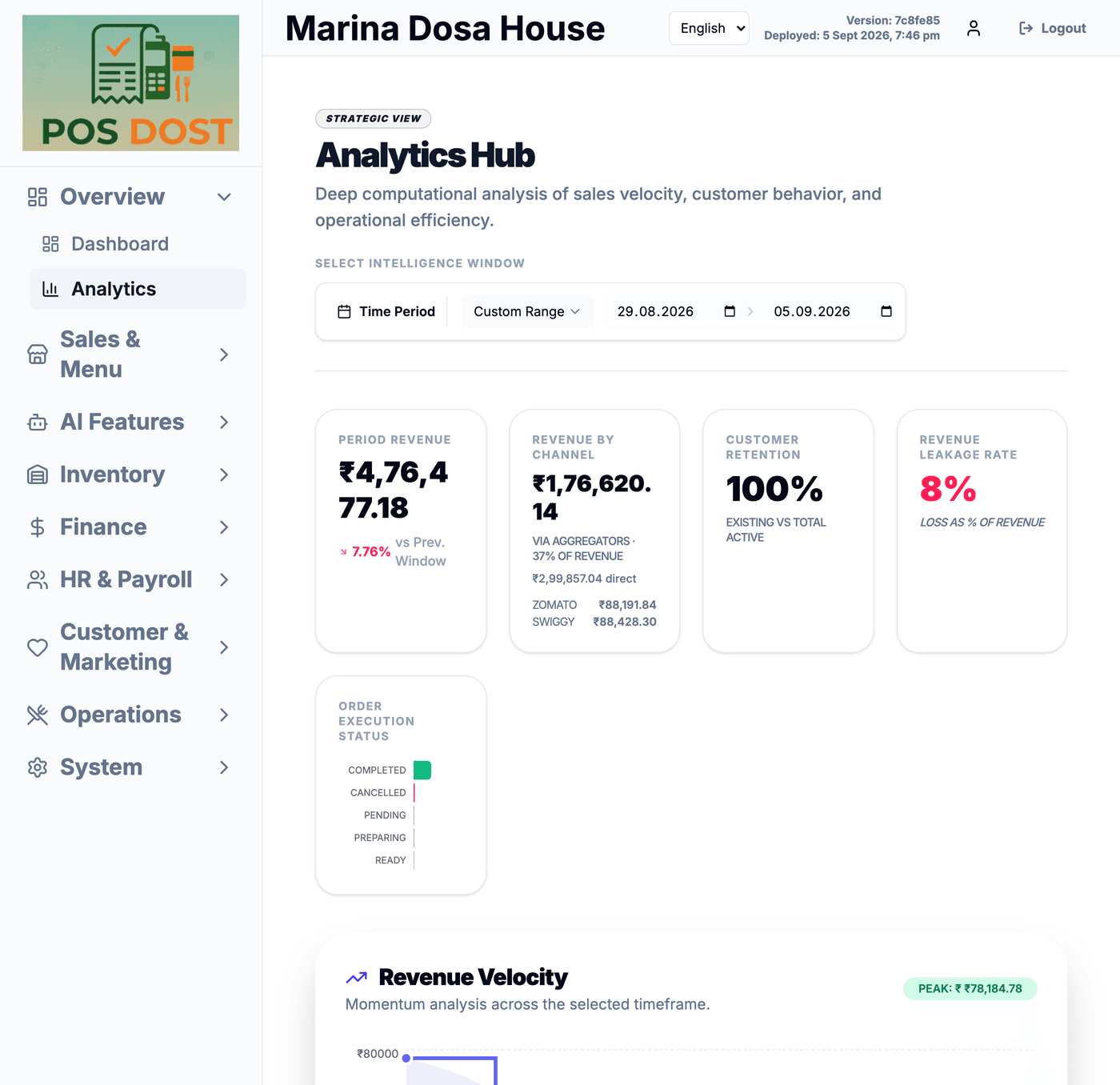
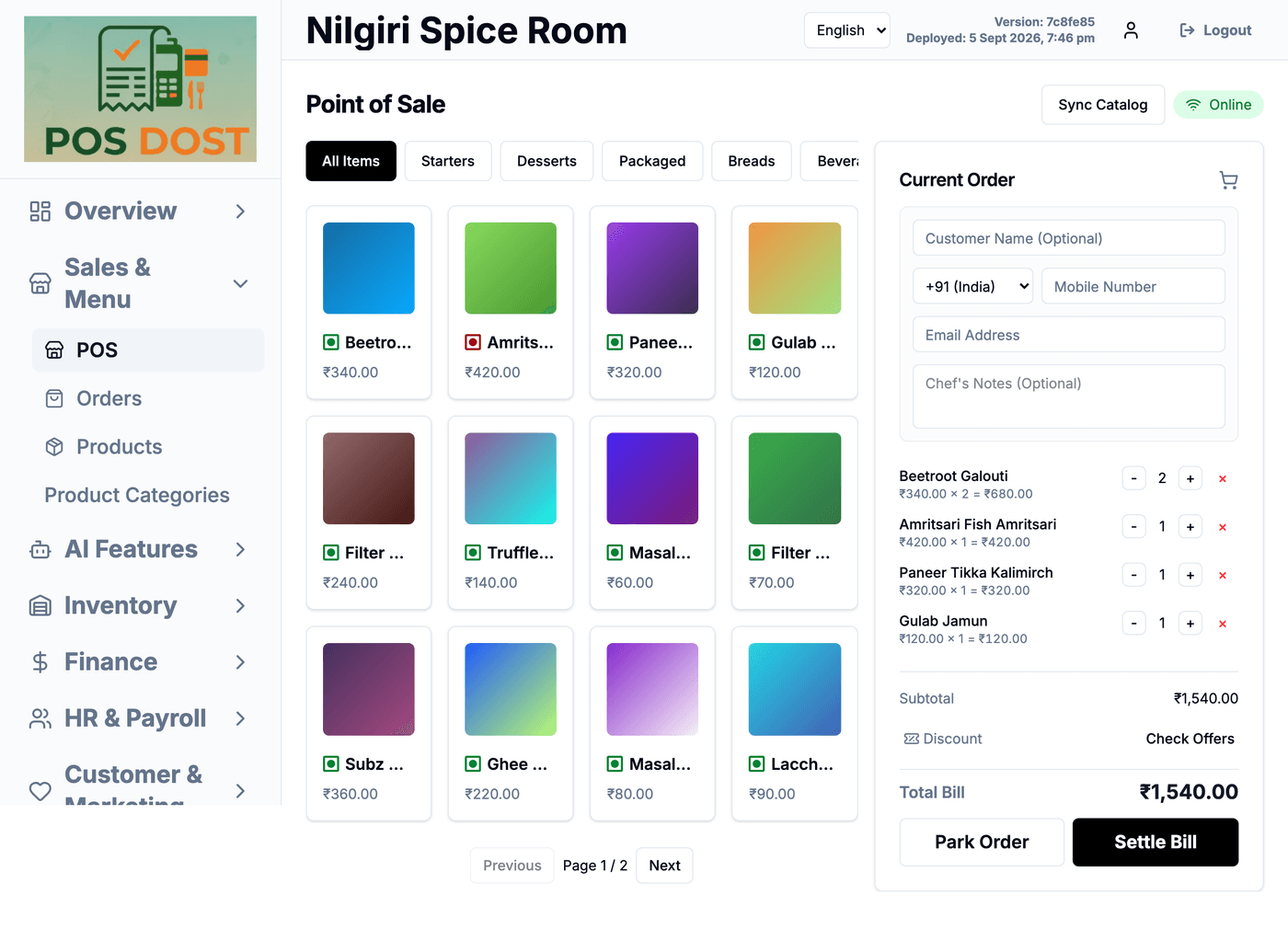
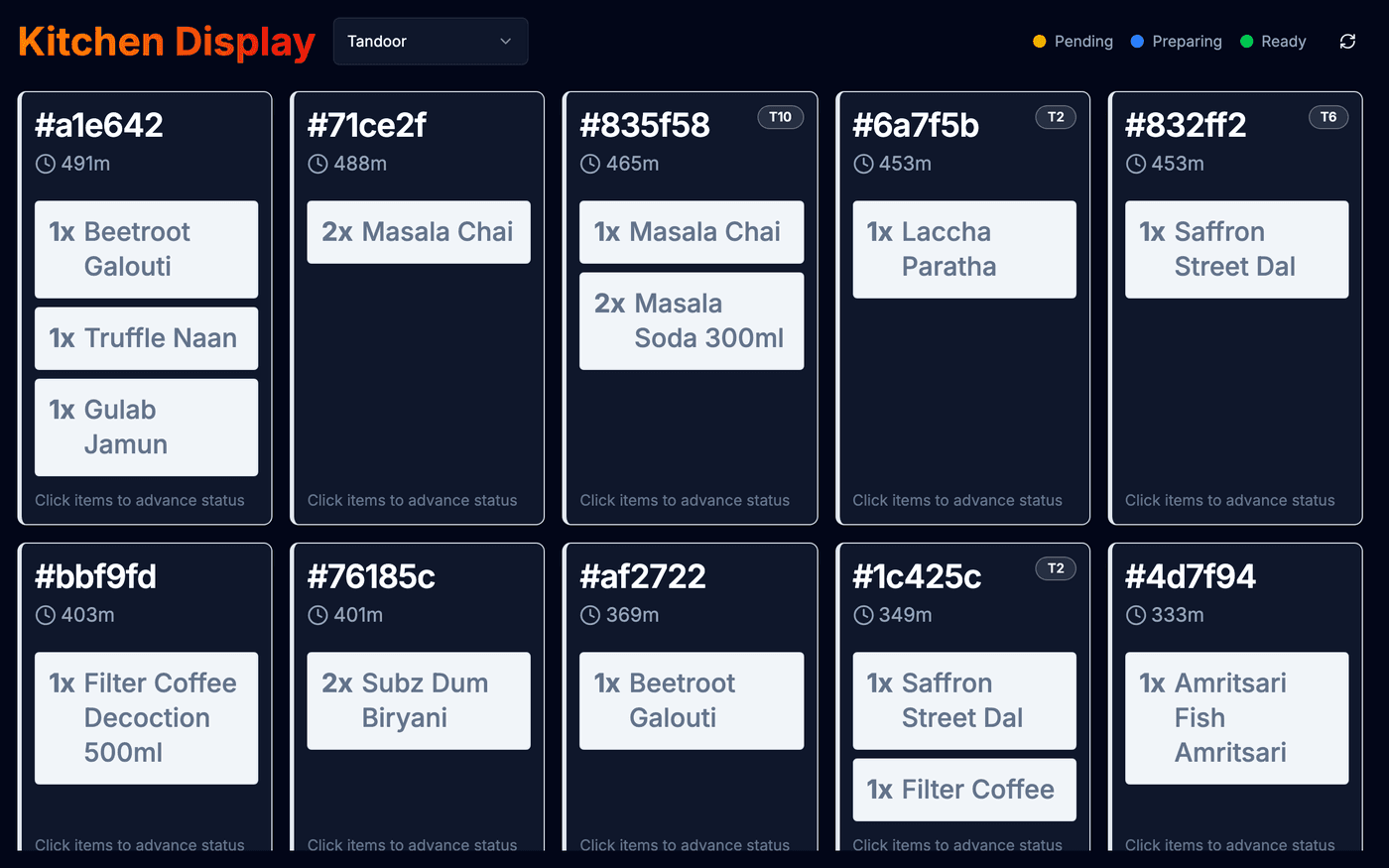
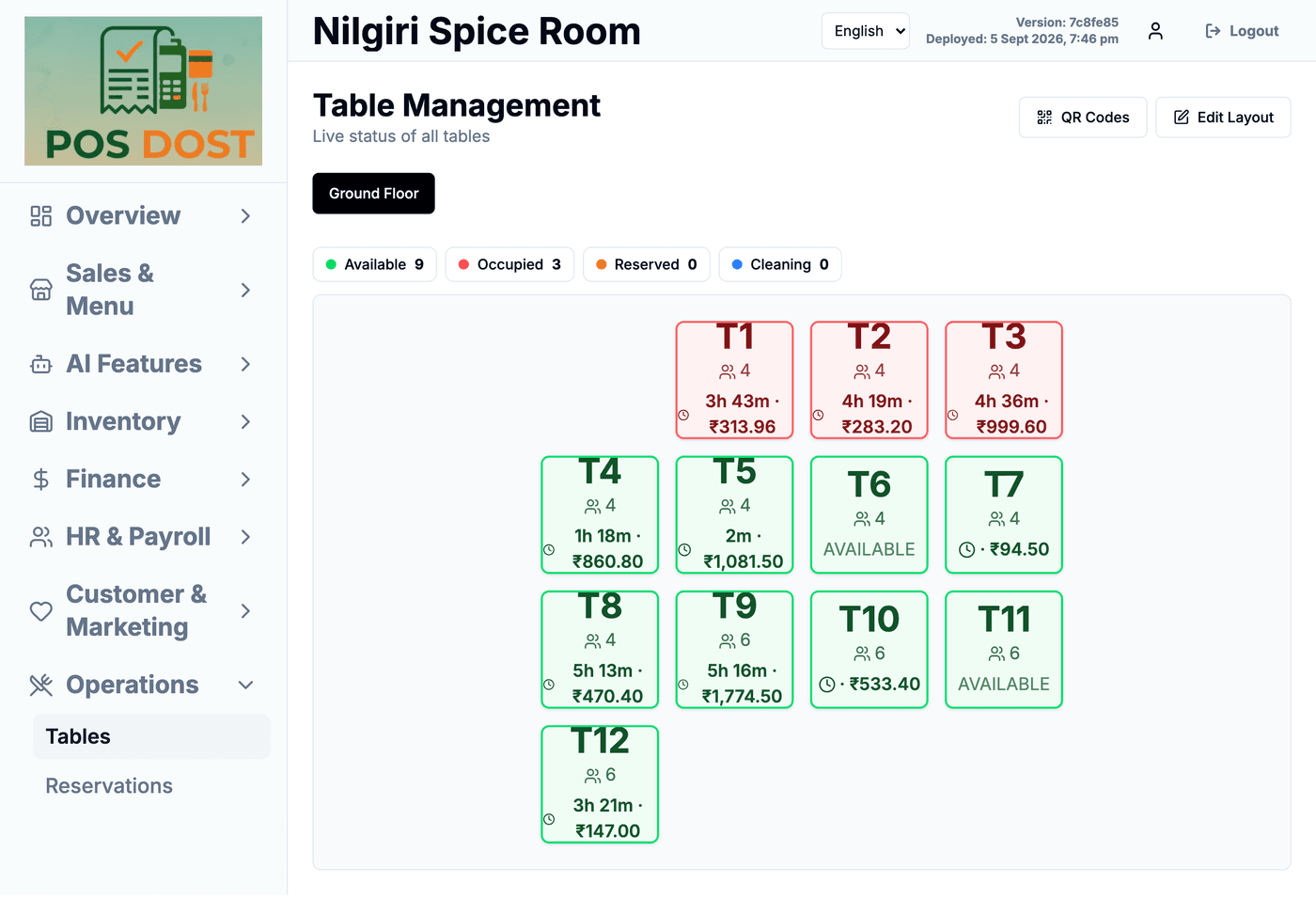
Android tablet
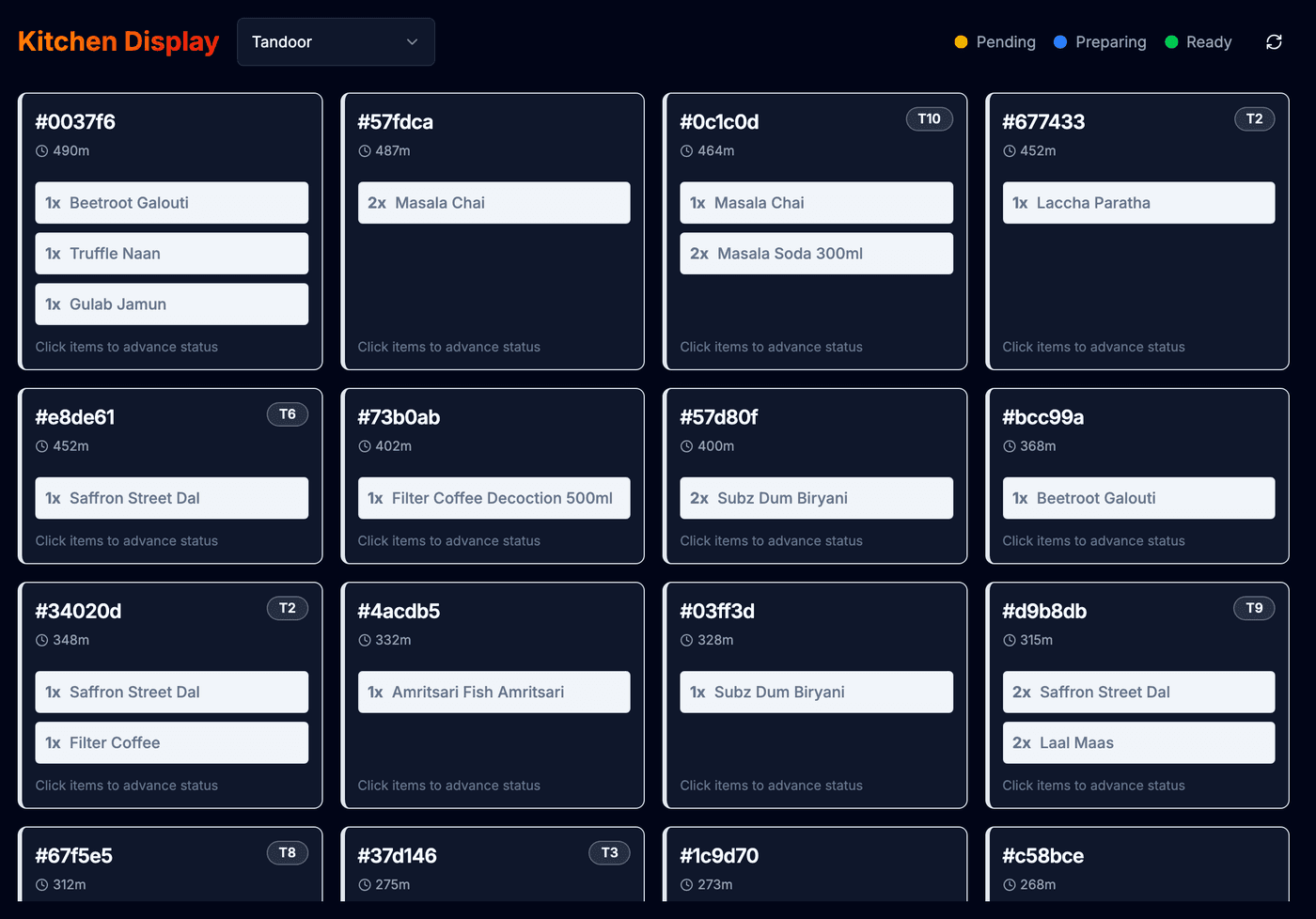
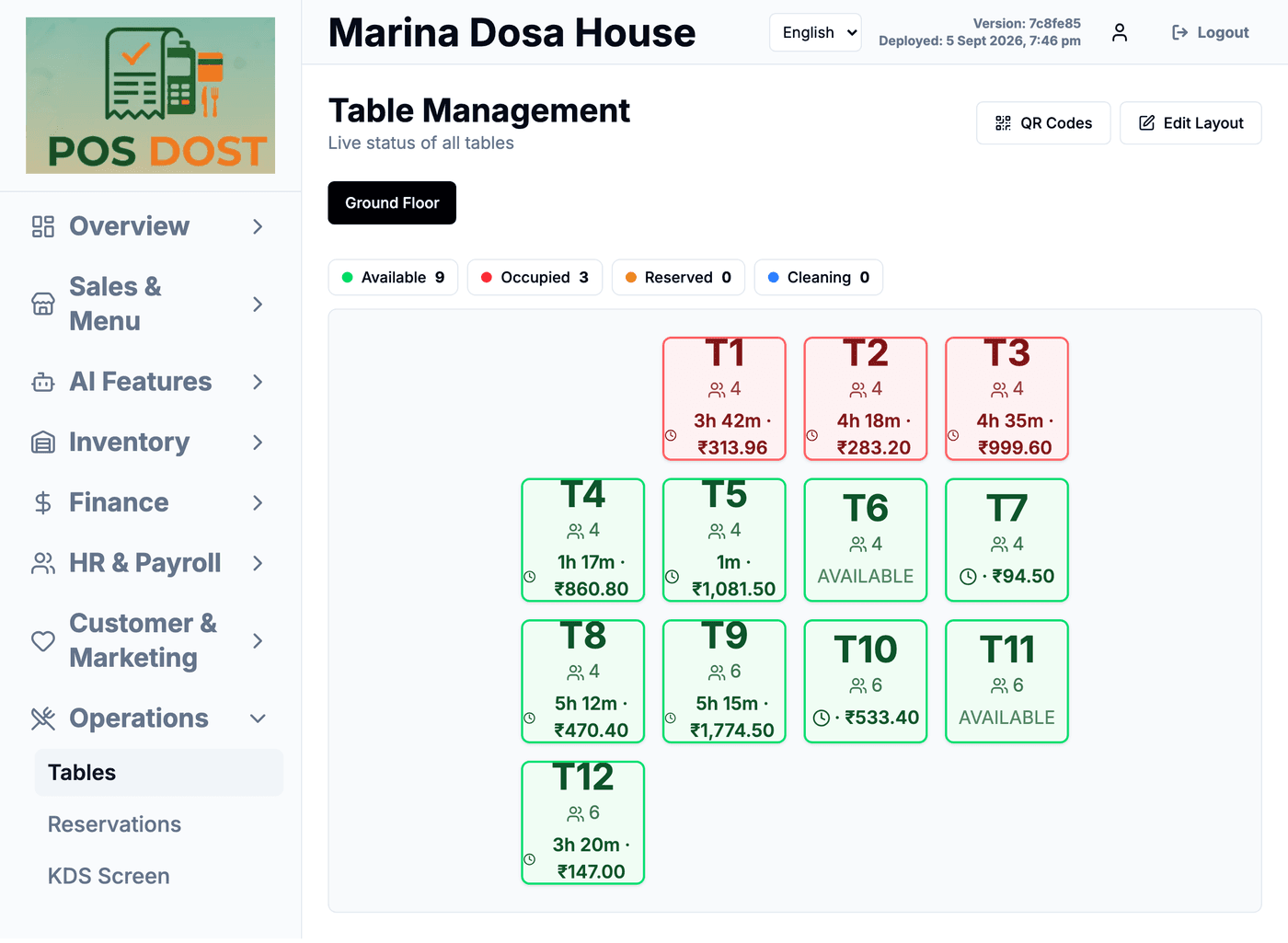
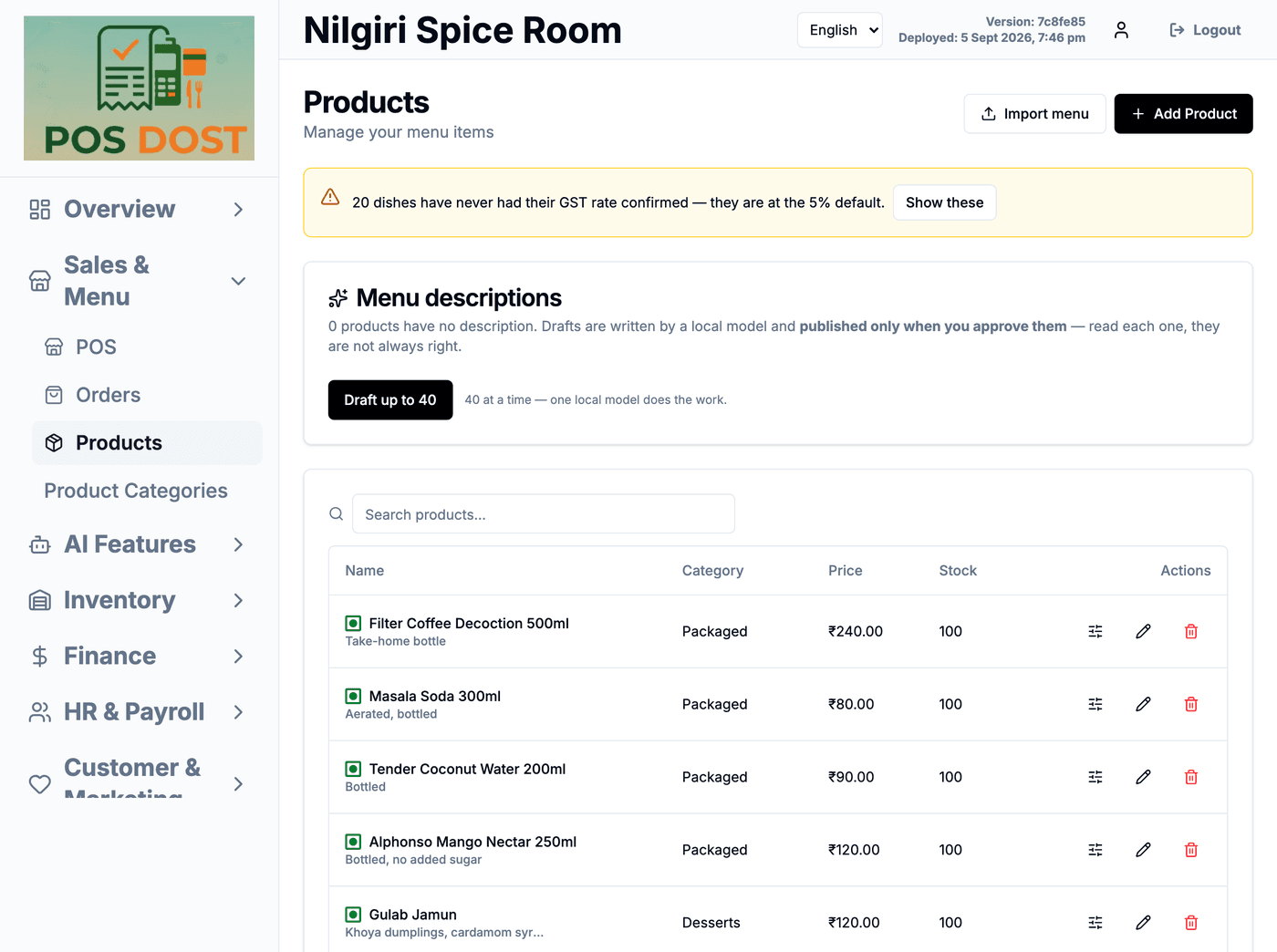
The cheap counter tablet most places already own. Same product, no compromise layout.
Signed in asNilgiri Spice Room
iPhone
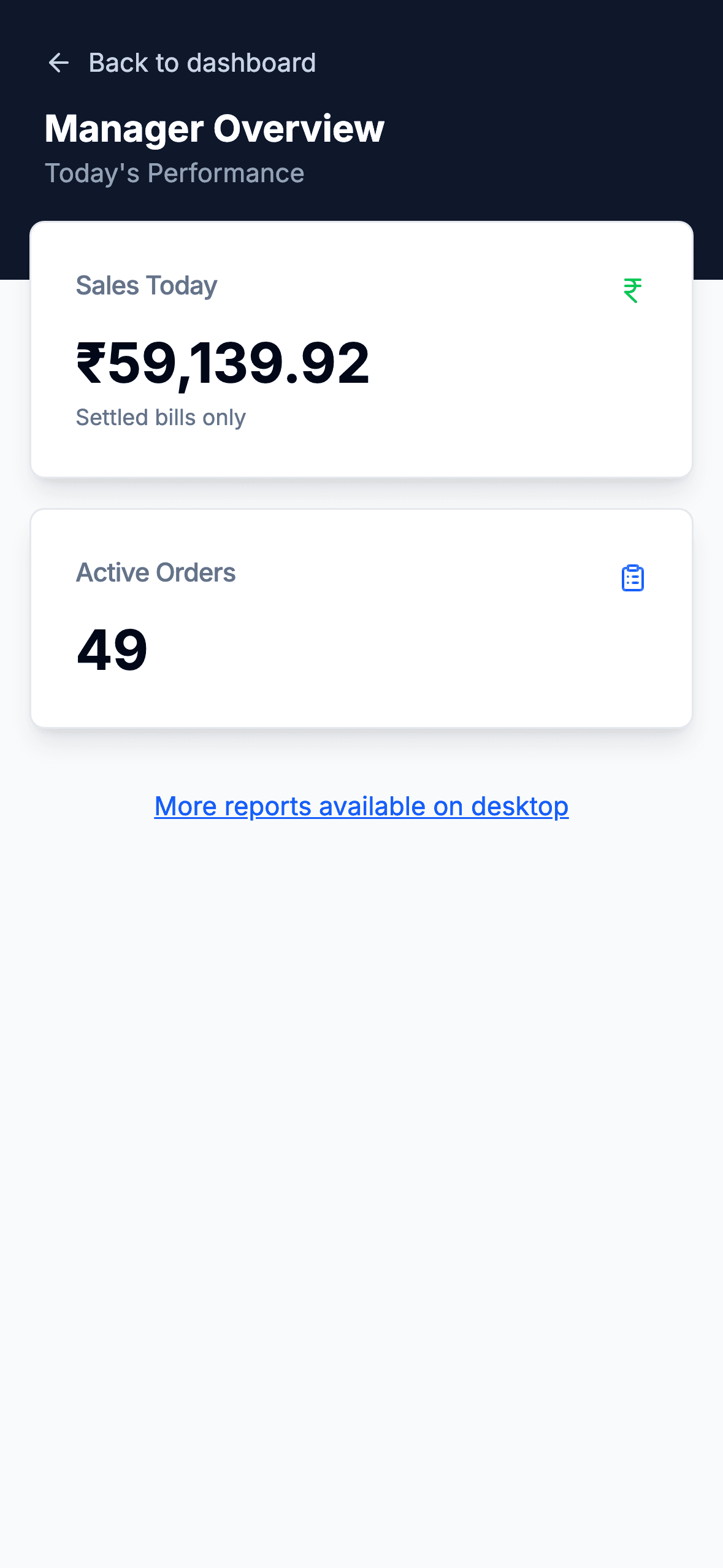
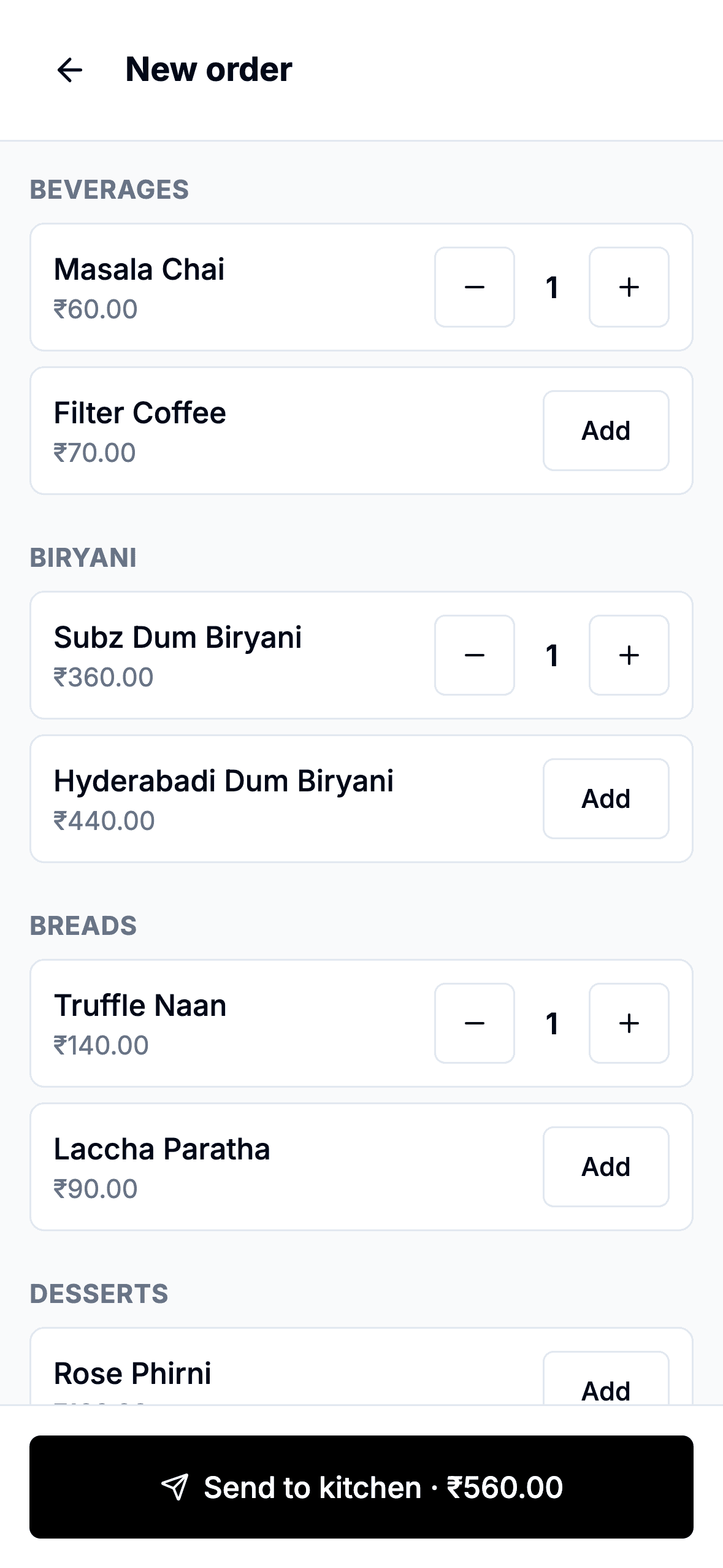
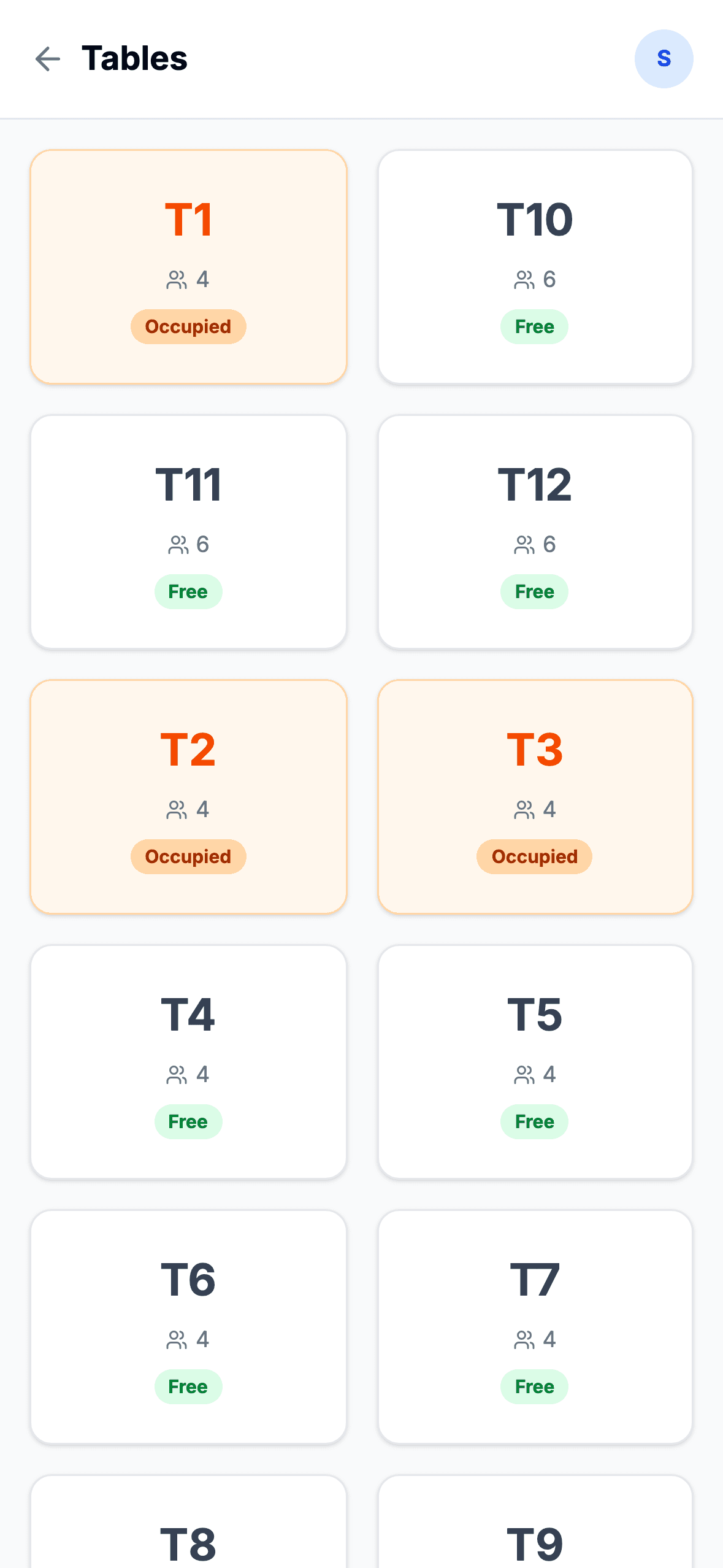
Mid-service, in a pocket. The day's take, the floor, the pass — and the order pad when the counter is busy.
Signed in asBandra Tiffin Co
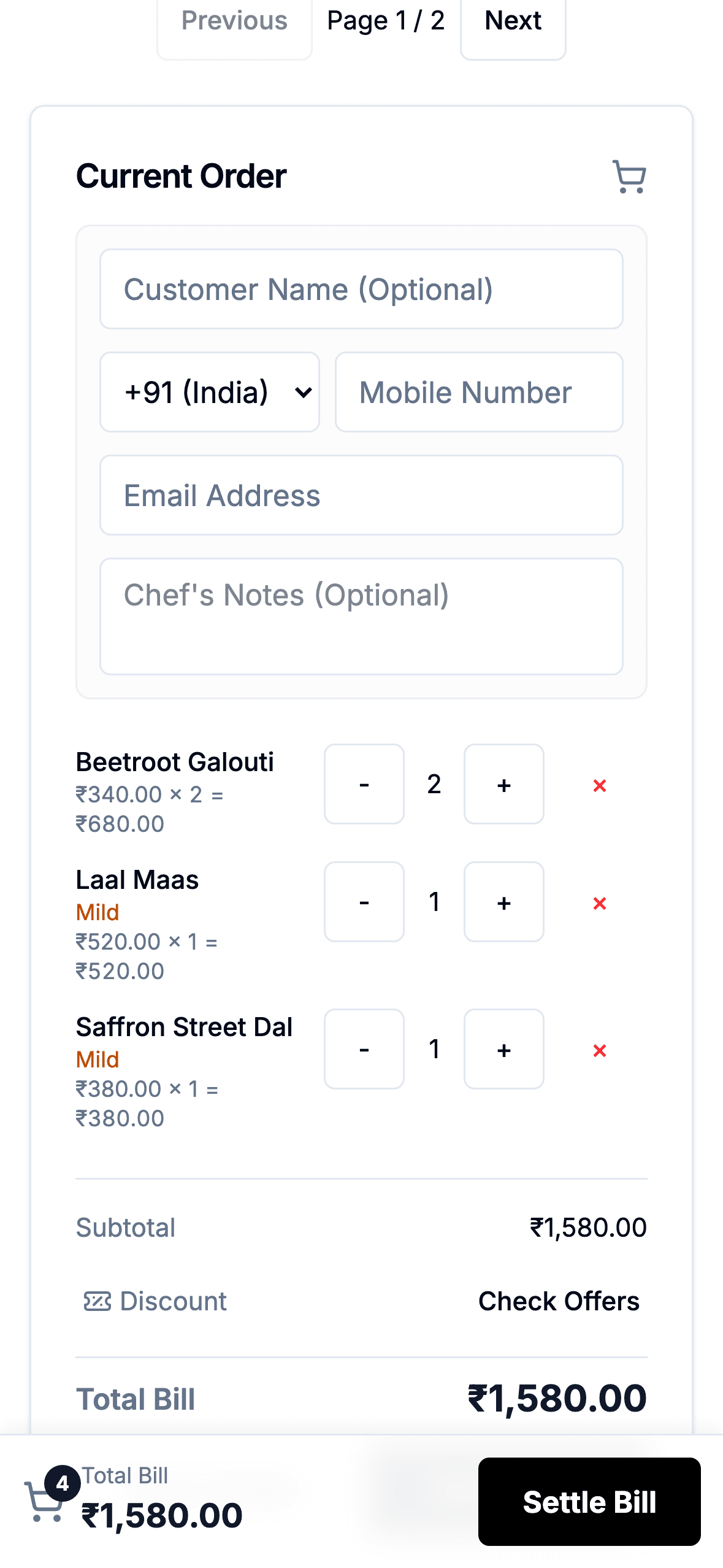
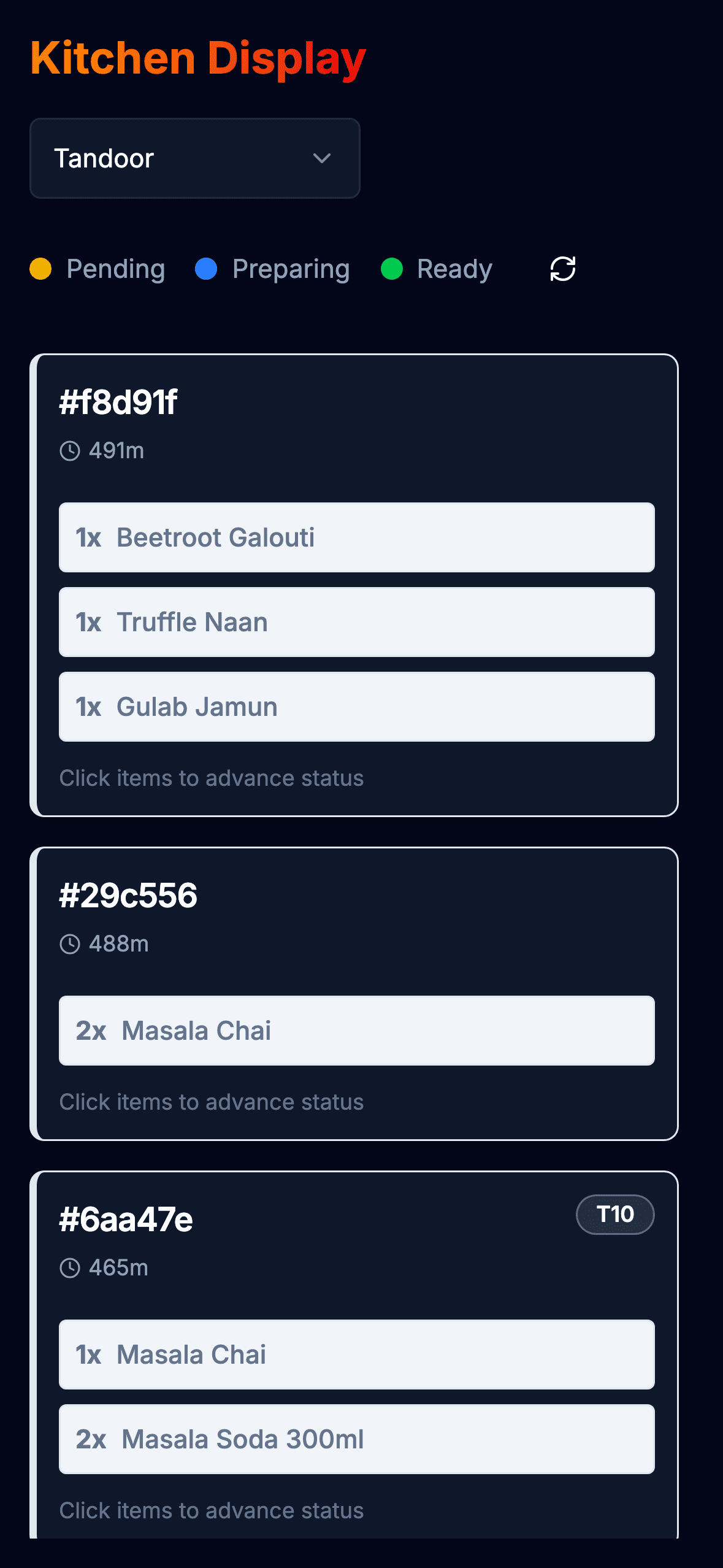
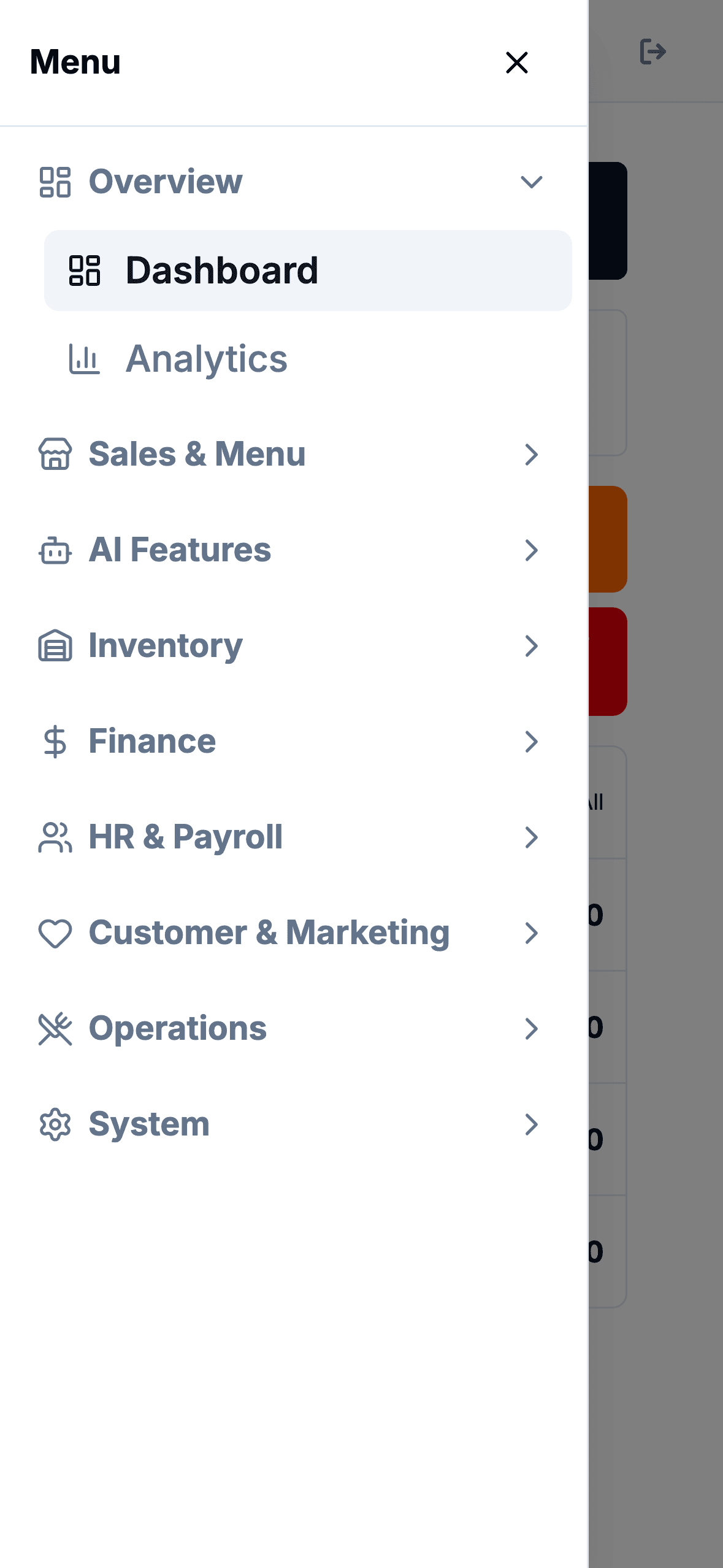
Android phone
The phone your manager already has. Nothing to install on day one — it runs in the browser.
Signed in asGhat Road Cafe
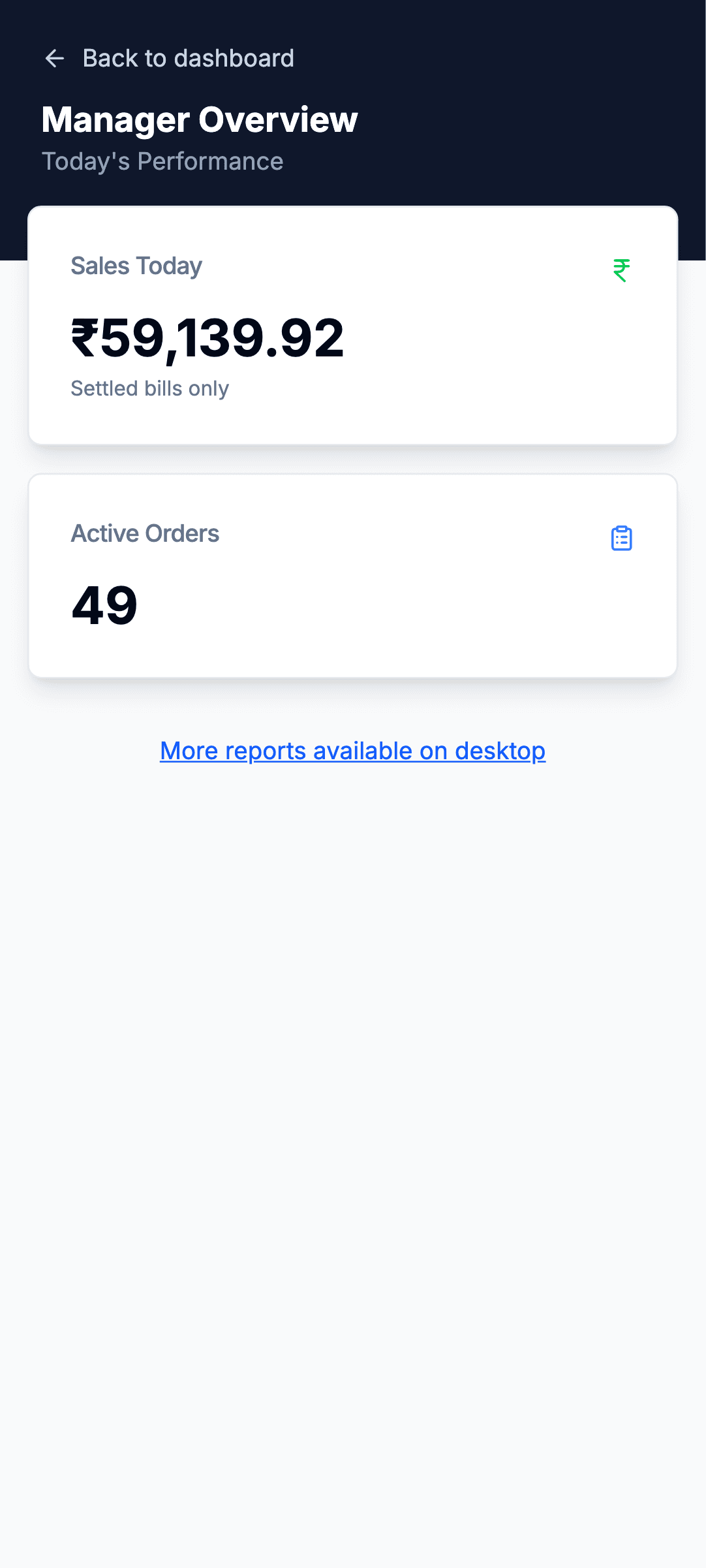
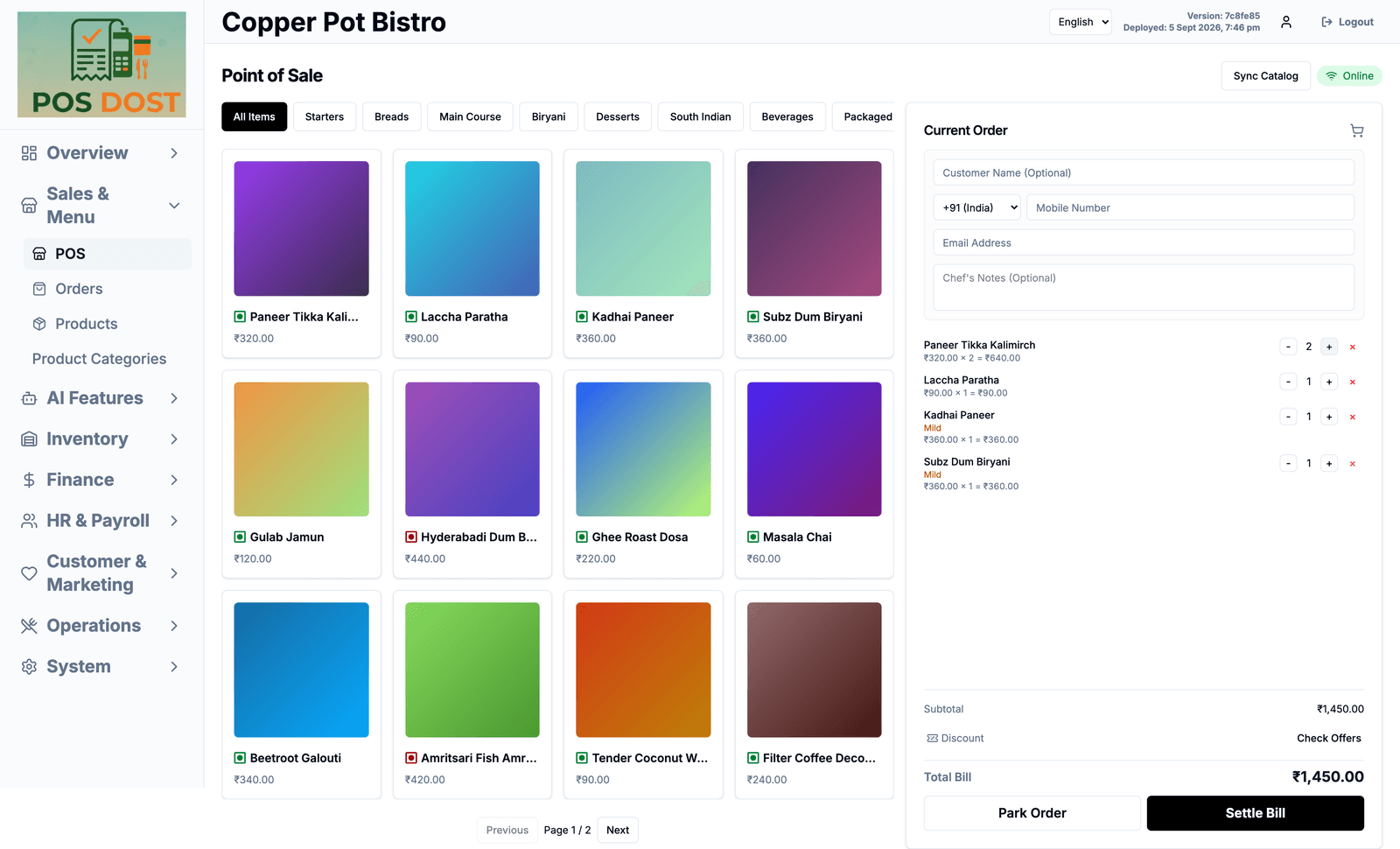
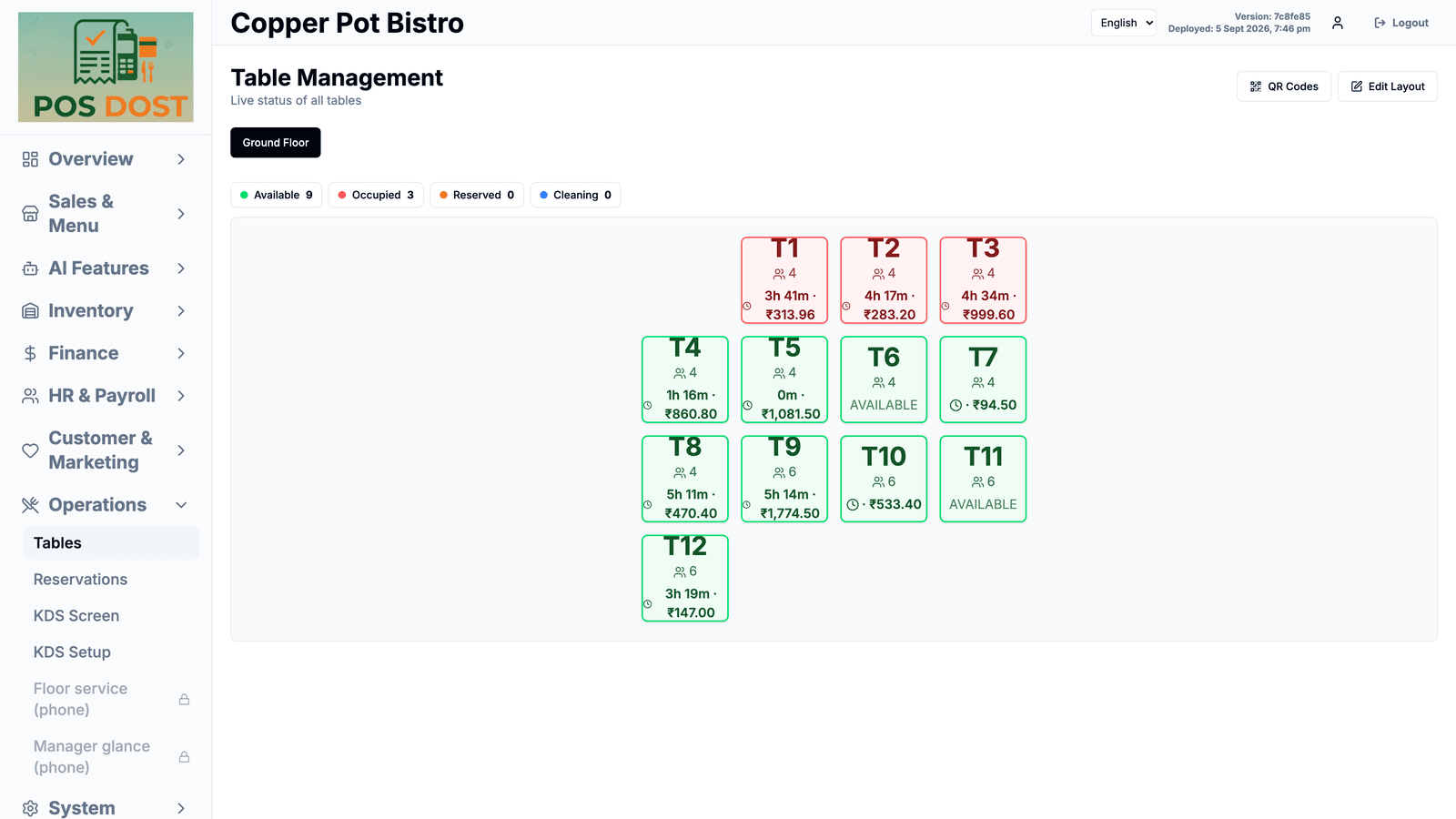
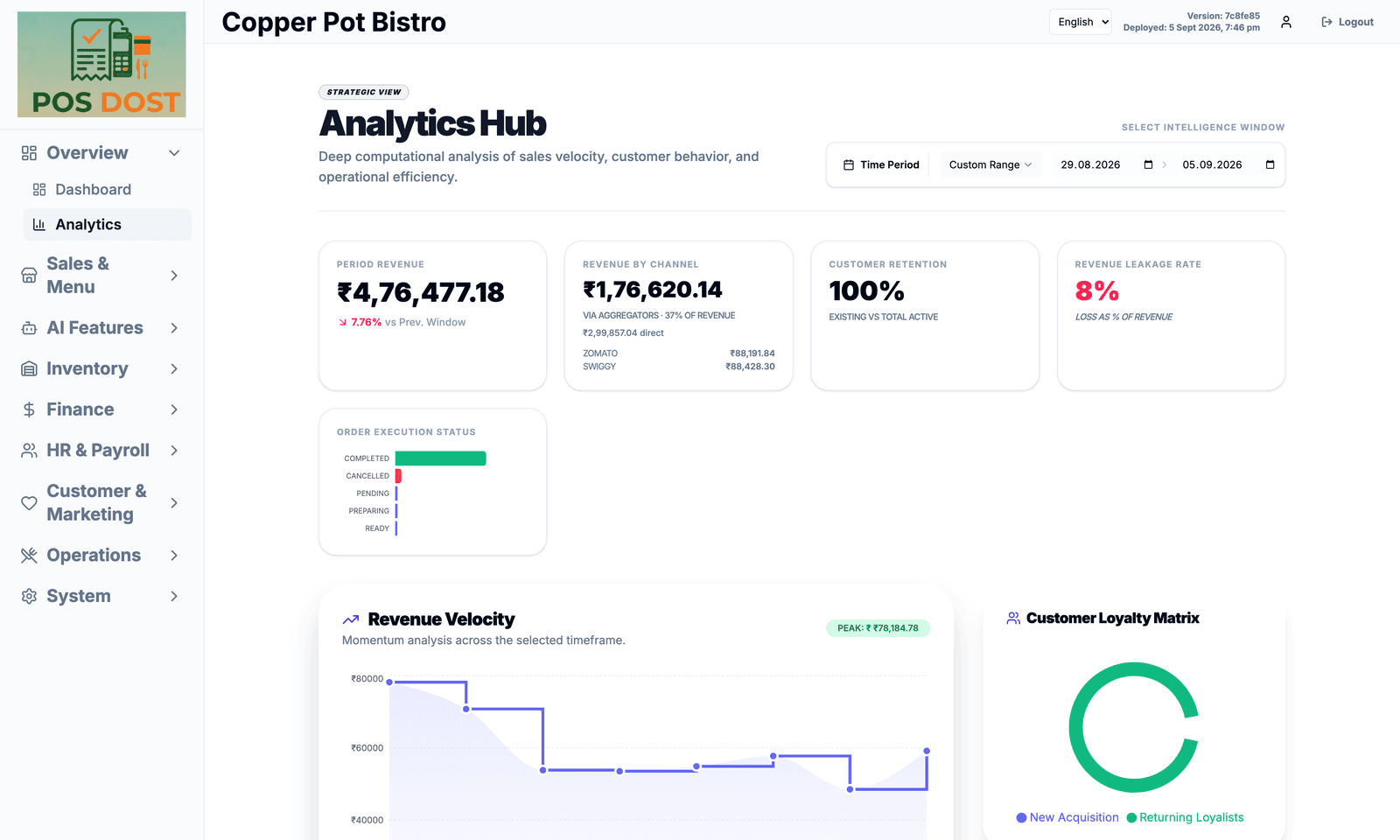
Desktop
Where the owner runs it from. The whole product, nothing held back for a bigger plan.
Signed in asCopper Pot Bistro
And one device you don't buy
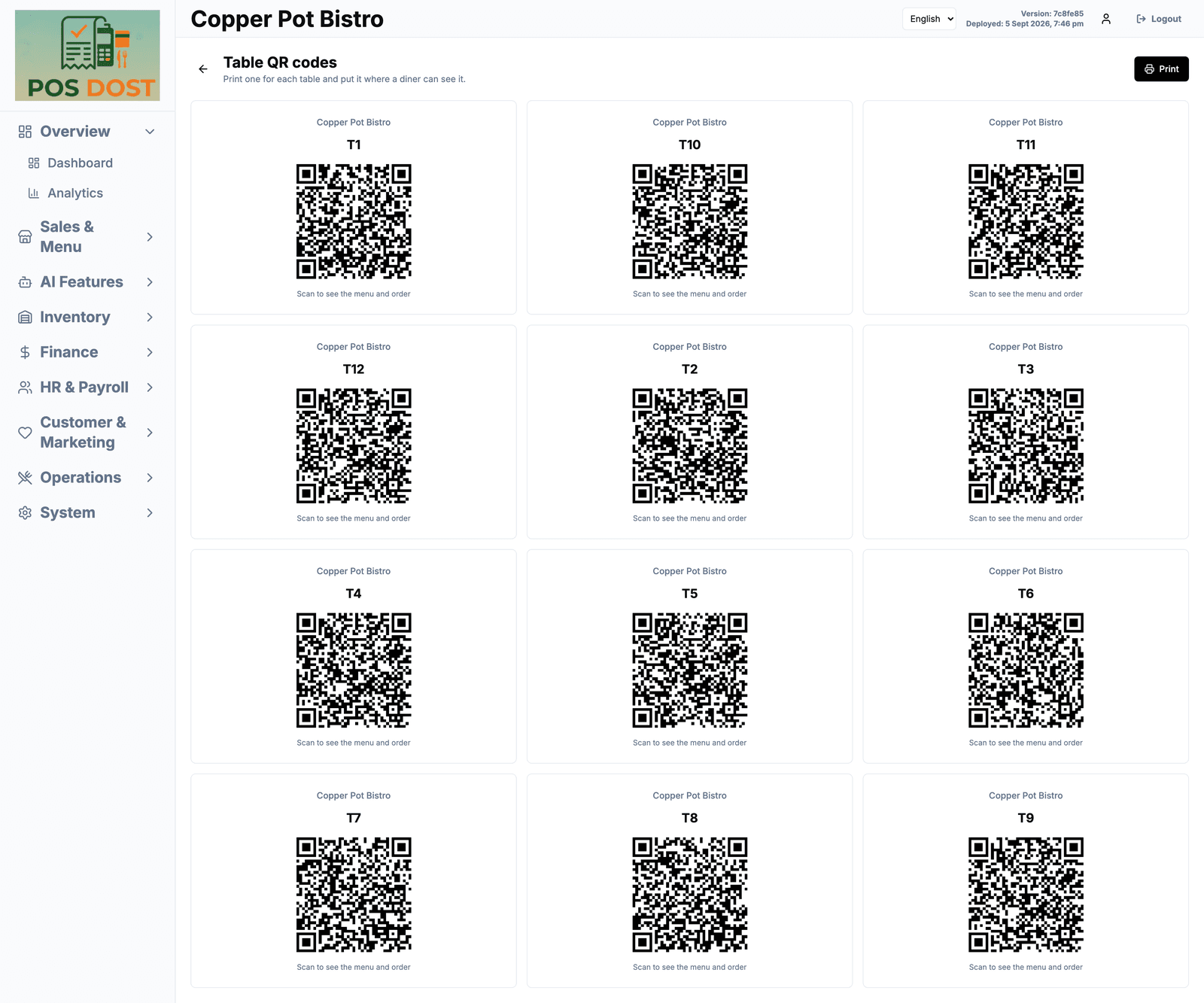
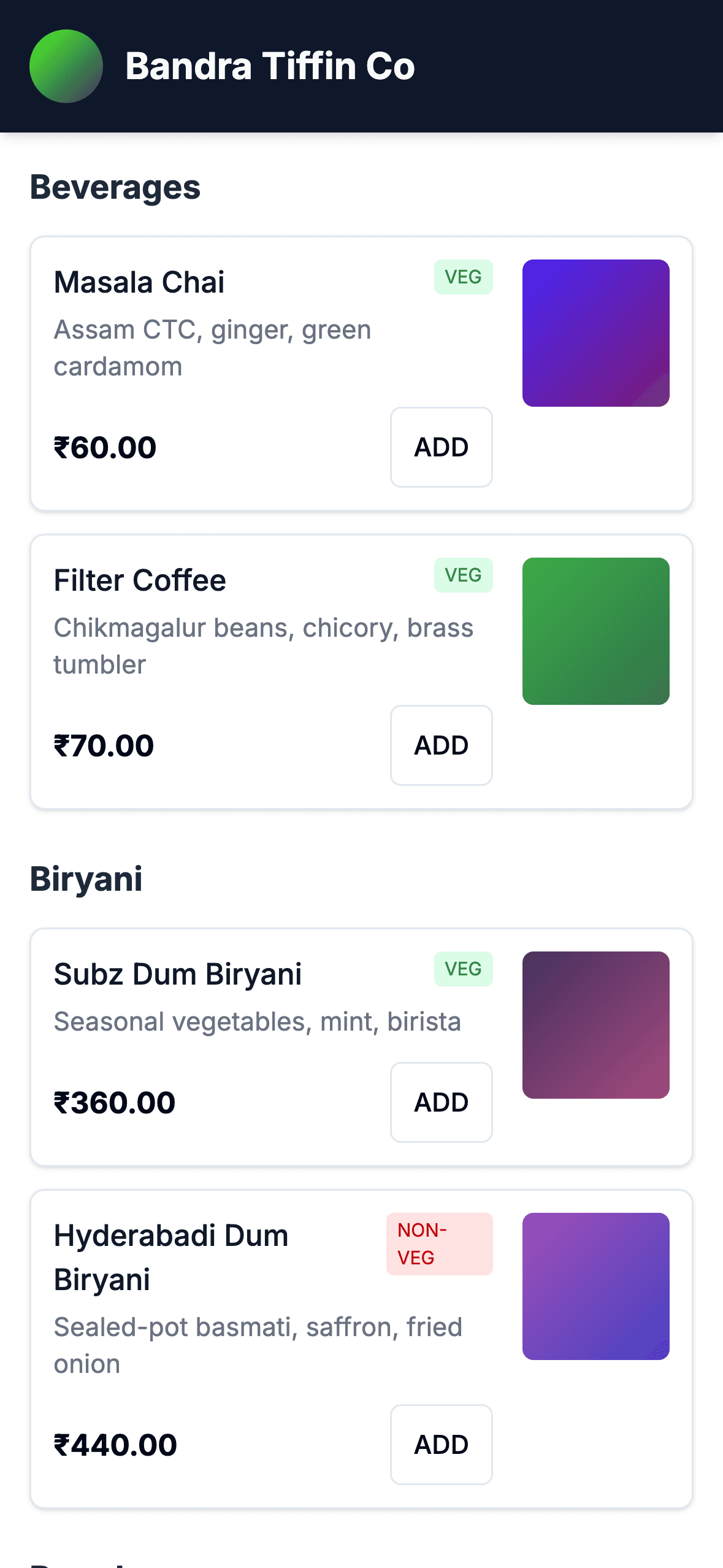
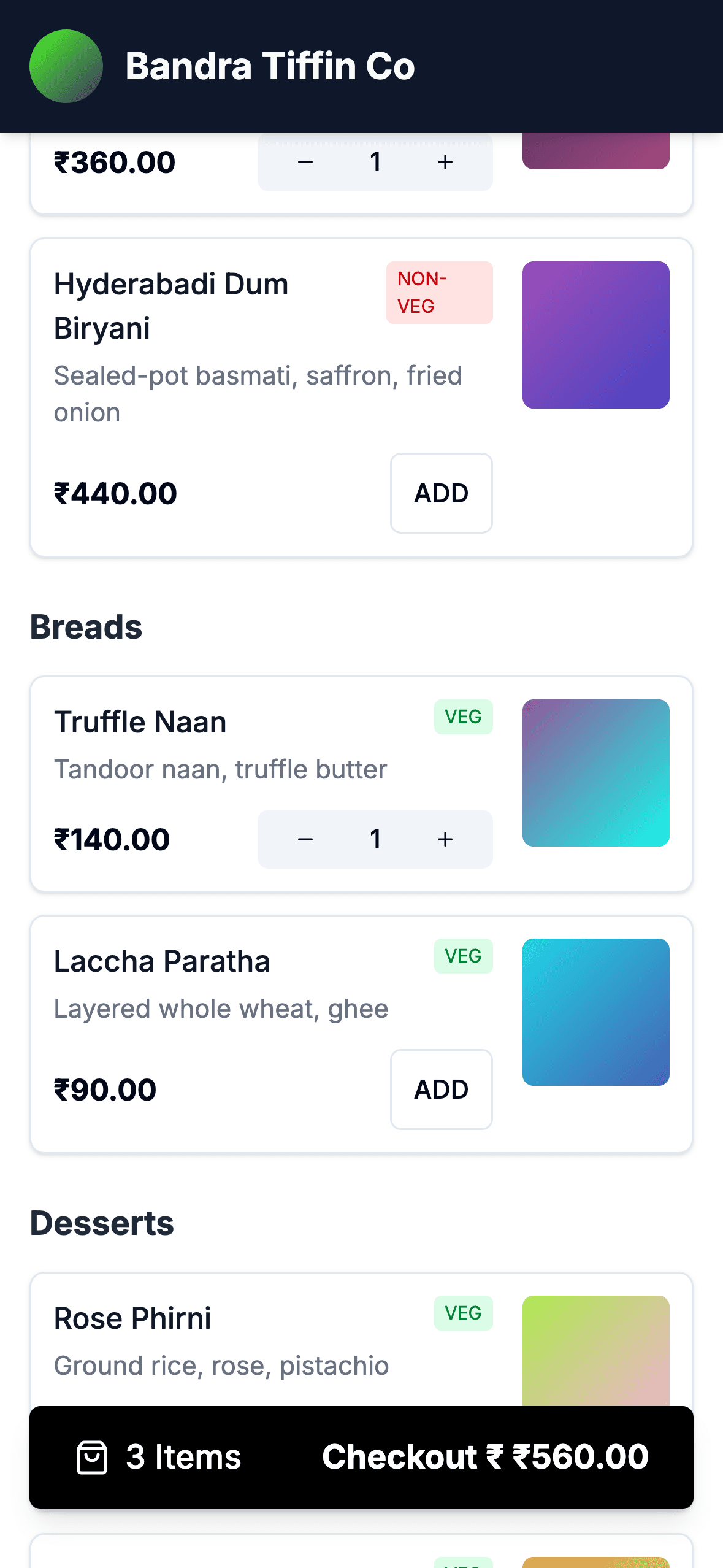
Your customer's phone.
Print a QR for each table. A diner scans it and gets your menu — descriptions, veg and non-veg, prices, a basket. No app to install and no account to make, because nobody makes an account to eat lunch.
The codes are generated from the same table layout you drew on the floor plan.
Tell us what you've got, and we'll be straight about it.
It runs in a browser, so most counters need nothing new. If your printer or terminal is the exception, we'd rather say so now than after you've signed up.
Join the pilot